SAP SuccessFactors
This guide provides step-by-step process to connect your application to SAP SuccessFactors LMS.
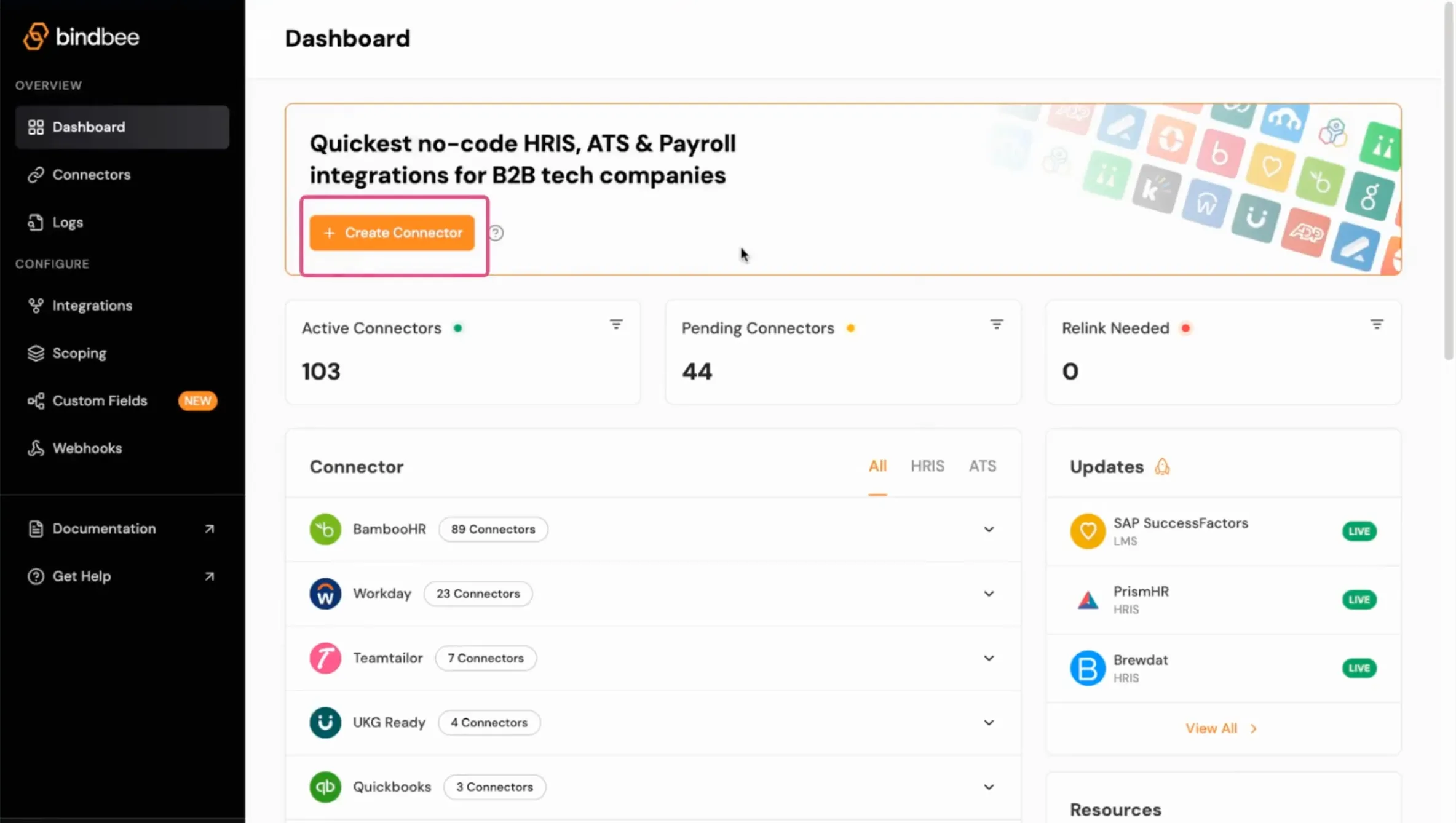
Step 1: Click on Create Connector.
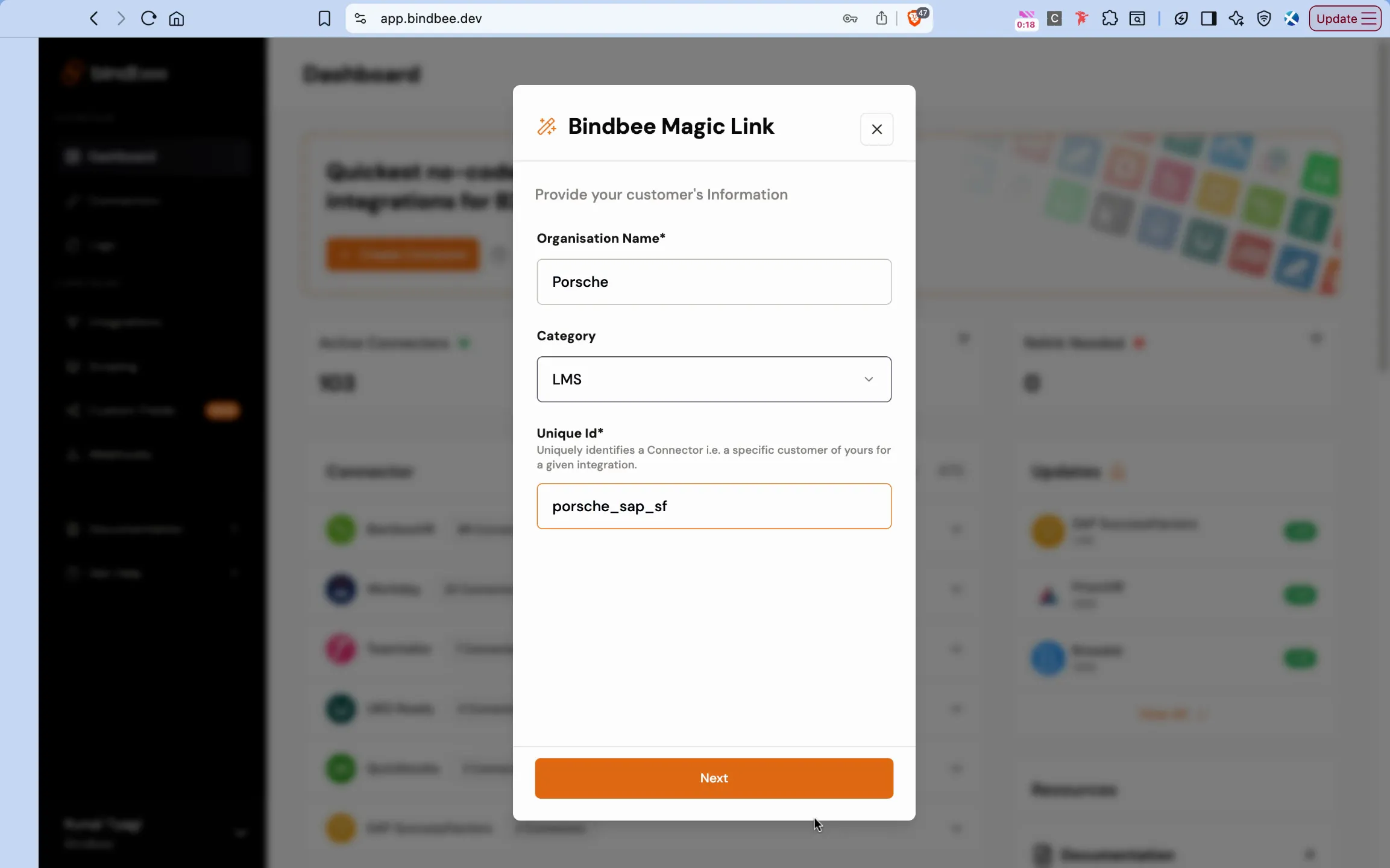
Step 2: Name the connector, select the LMS category, and assign a unique ID to the connector.
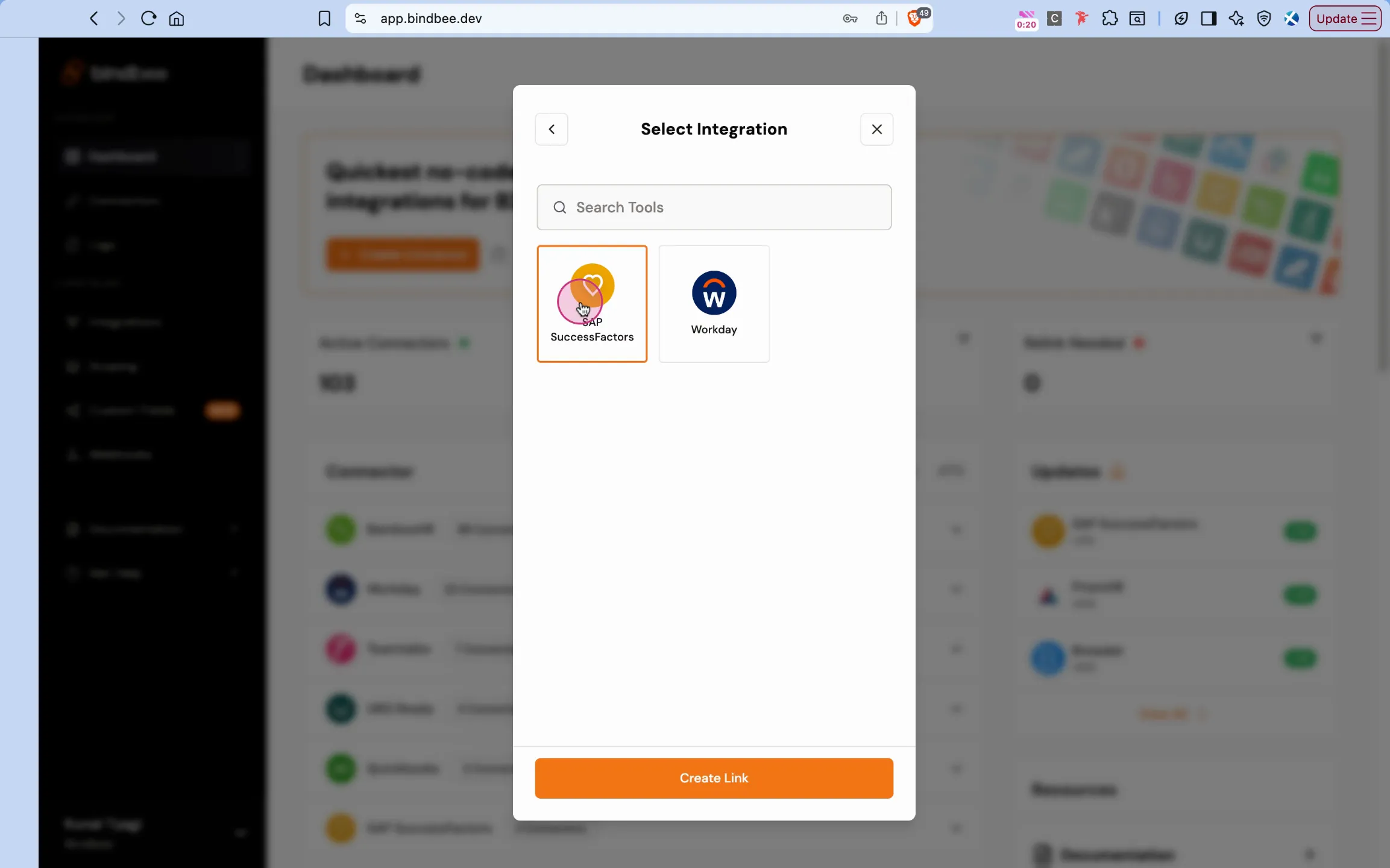
Step 3: Select SAP SuccessFactors integration and click on Create Link.
You can gather the details required in the magic link from your SAP SuccessFactors account.
Step 4: In the base domain, go to your SAP SucessFactors instance.
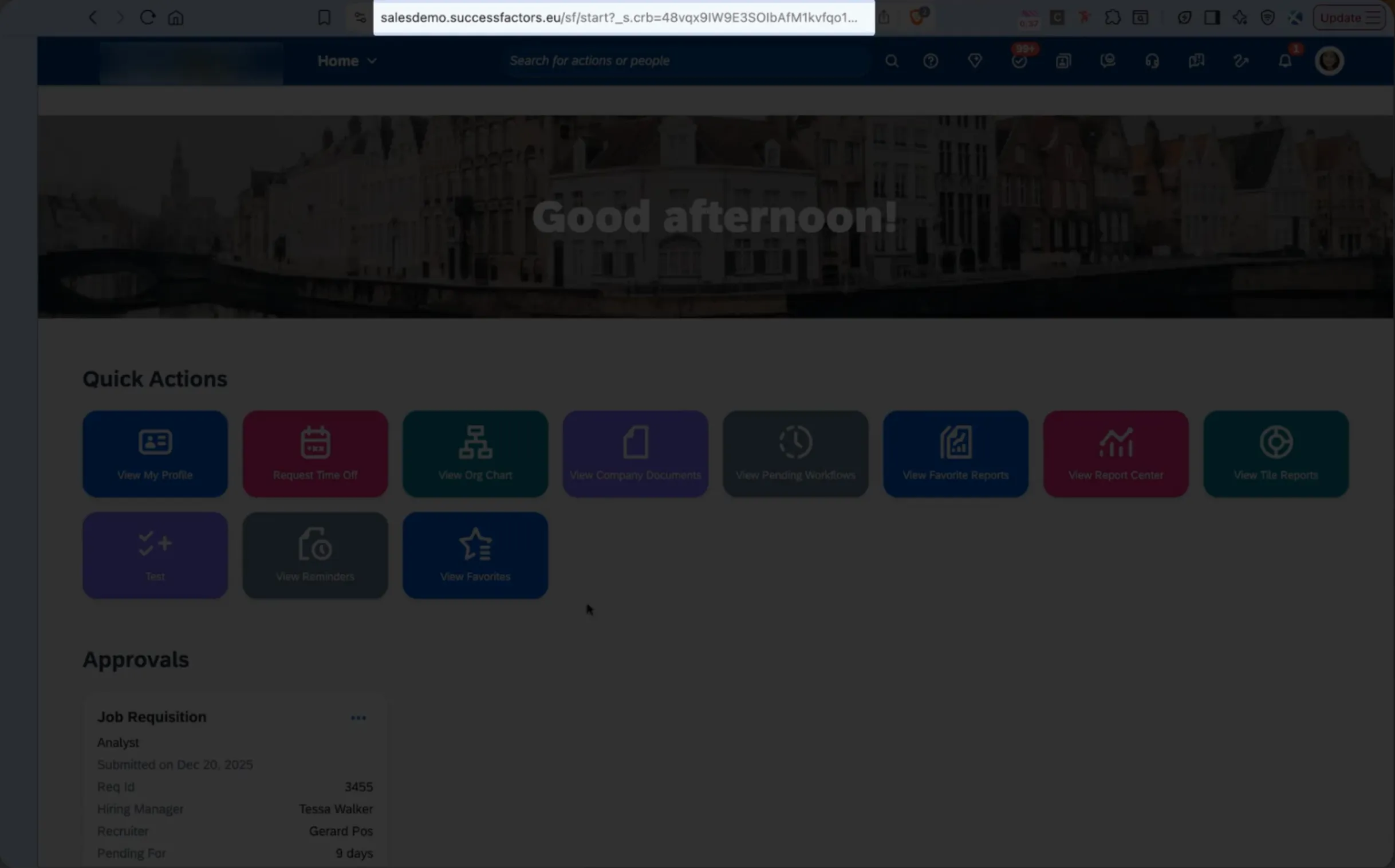
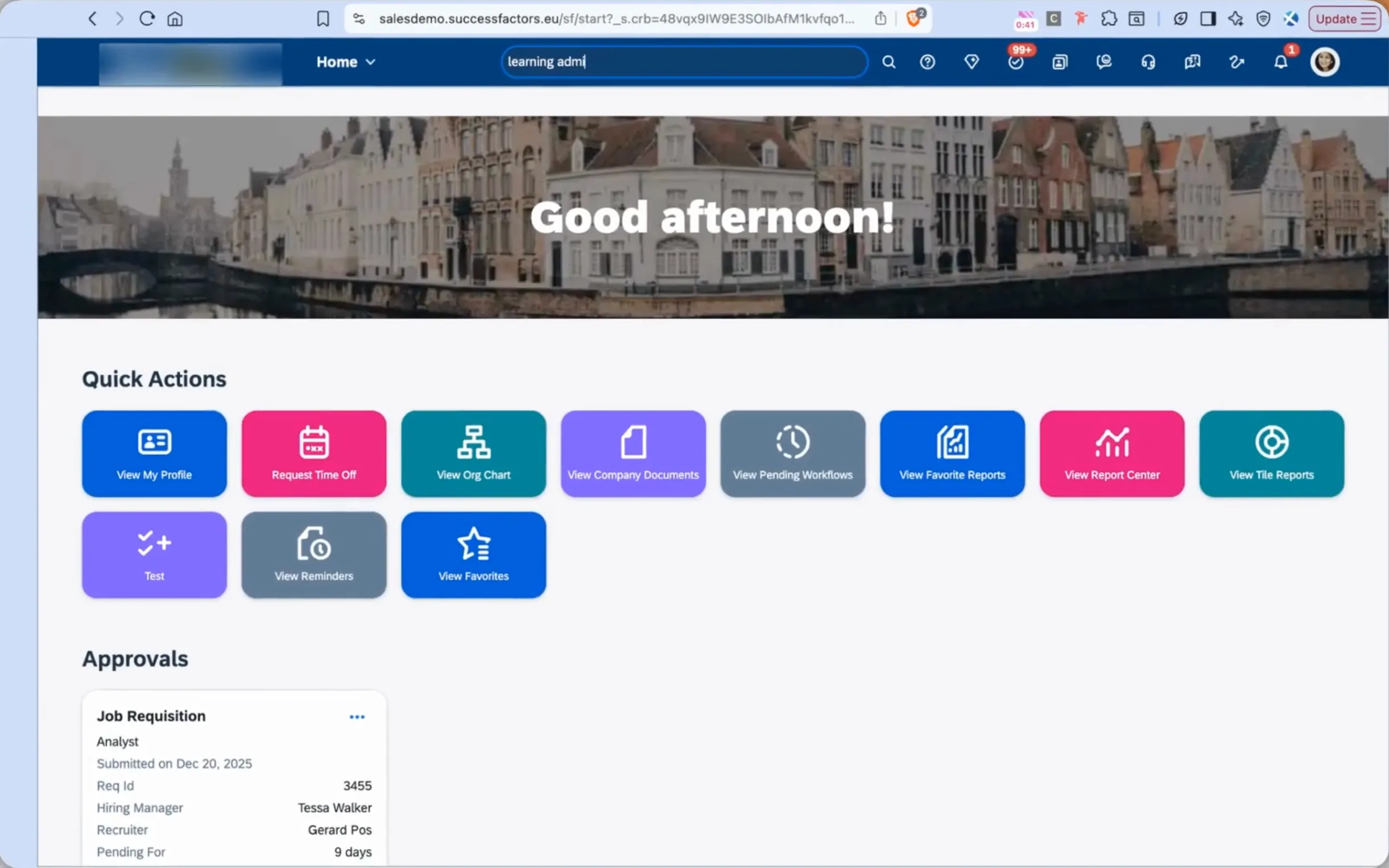
Step 5: From the SAP SuccessFactors homepage, search for Learning Administration.
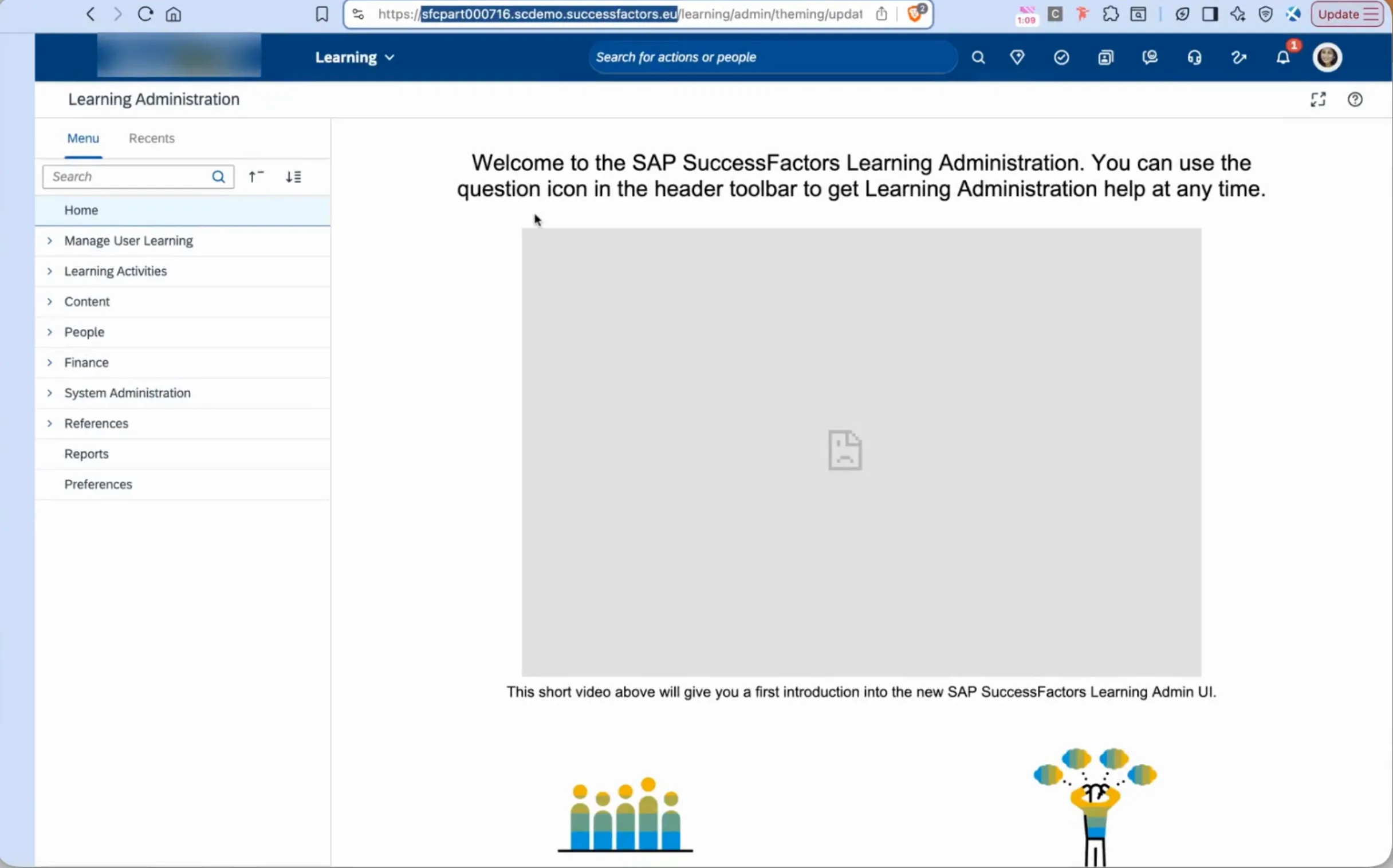
Step 6: From the Learning Administration page, locate and copy the relevant part of your URL as the base domain.
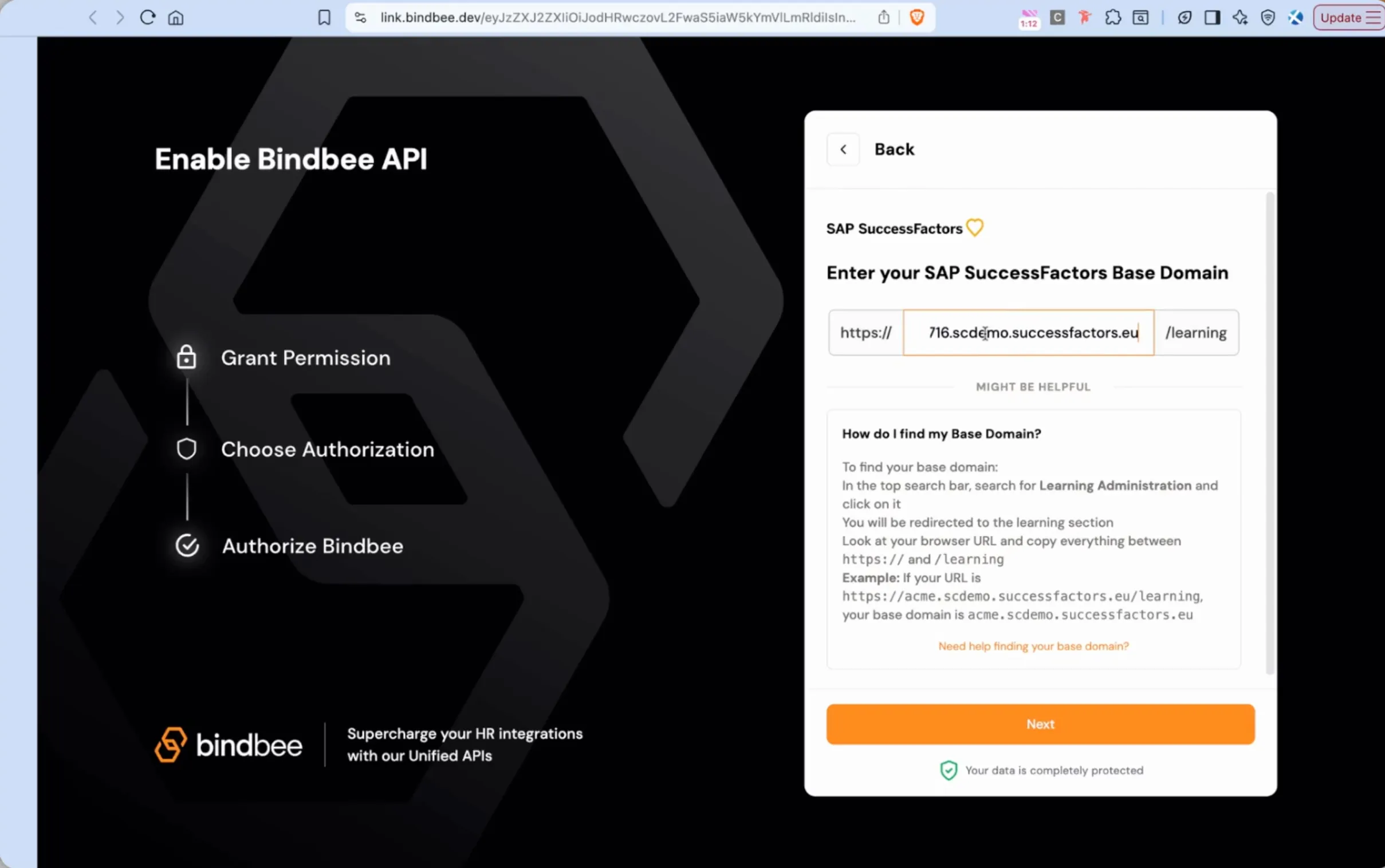
Step 7: Paste this URL segment into the Base Domain field of the connector setup.
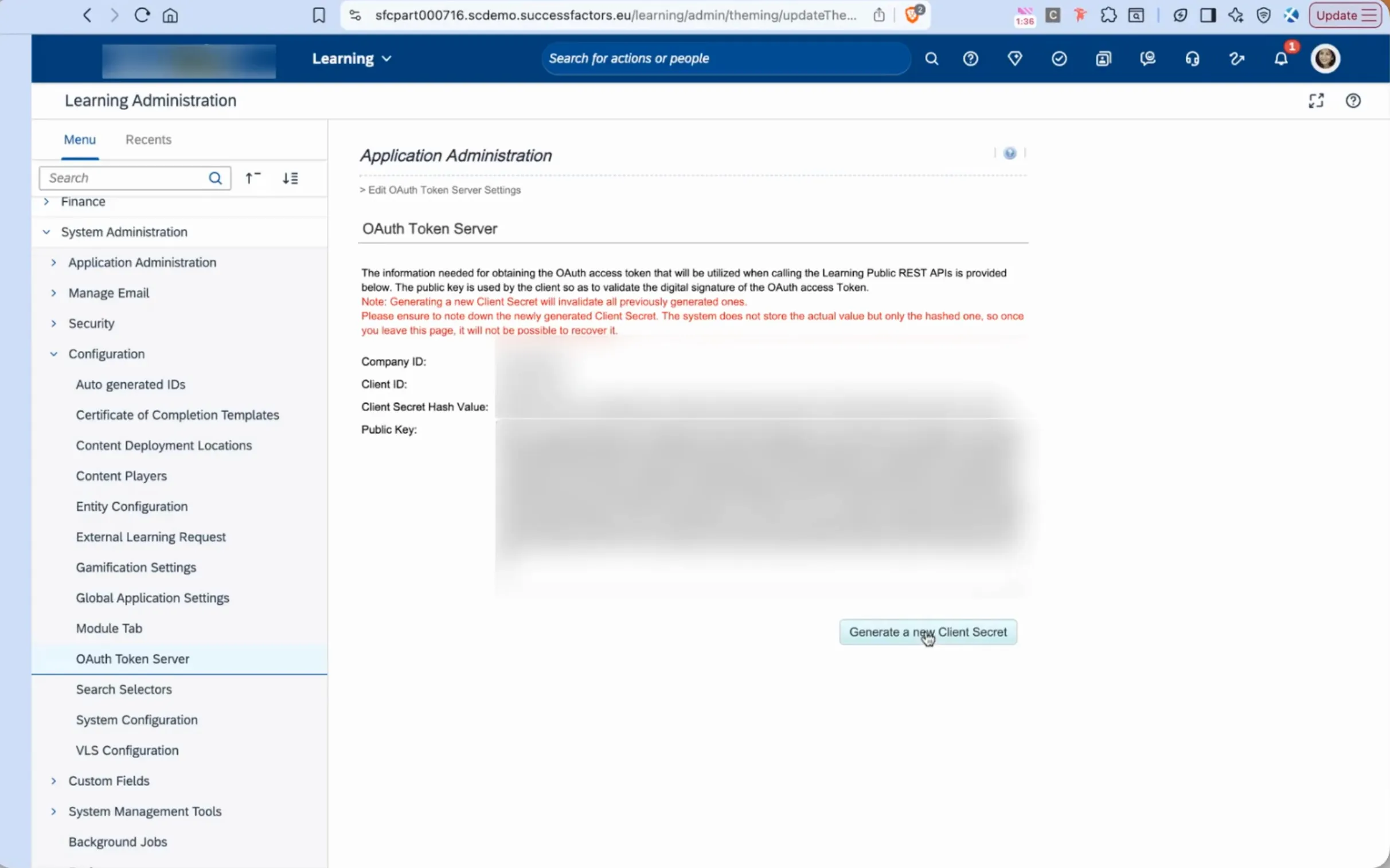
Step 8: To find the Client ID, Client Secret and Company ID, go to System Administration > Configuration > OAuth Token Server. If required, you can also generate a new Client Secret and use that.
Step 9: In the User ID field, enter the ID of the user who has LMS access.
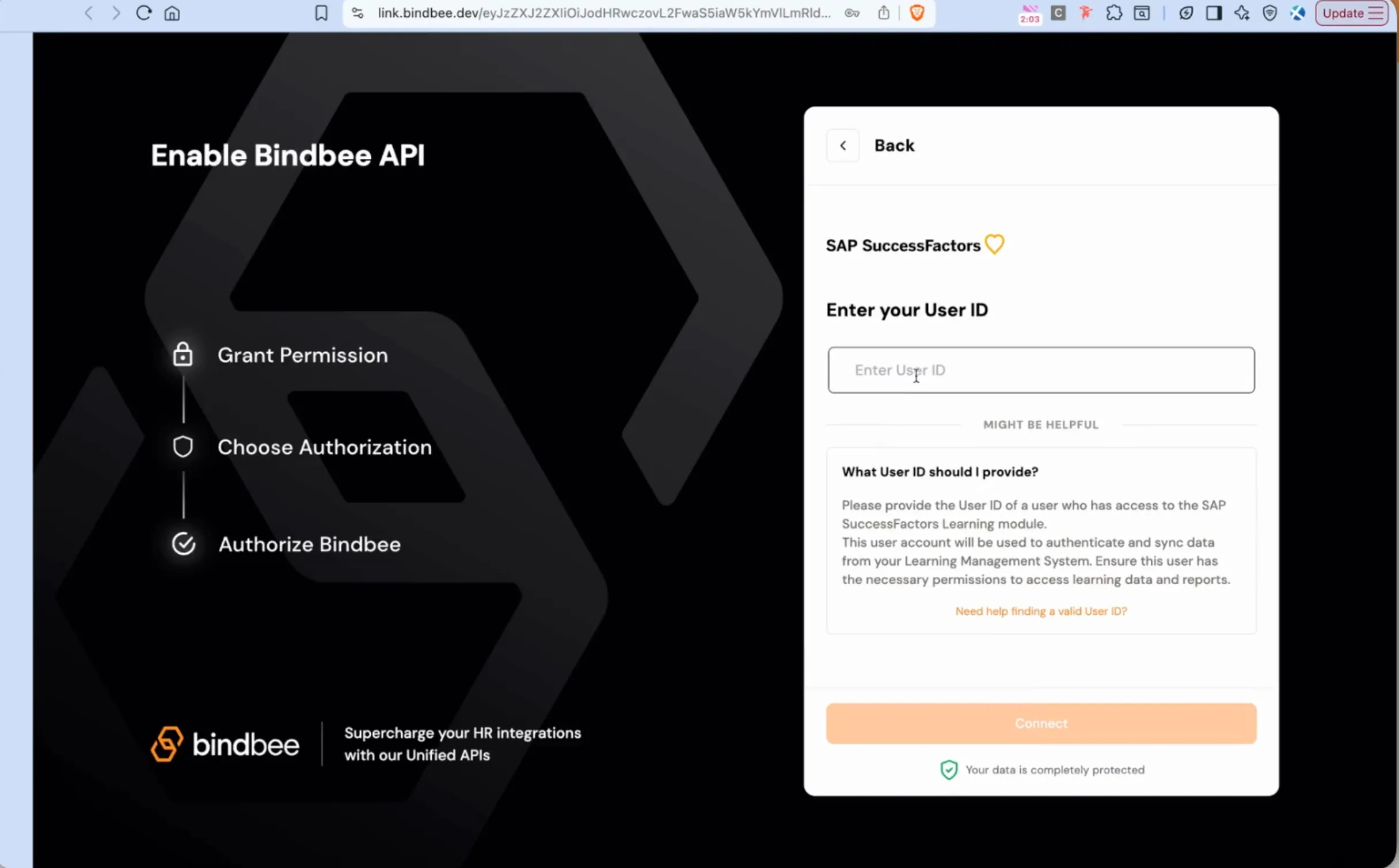
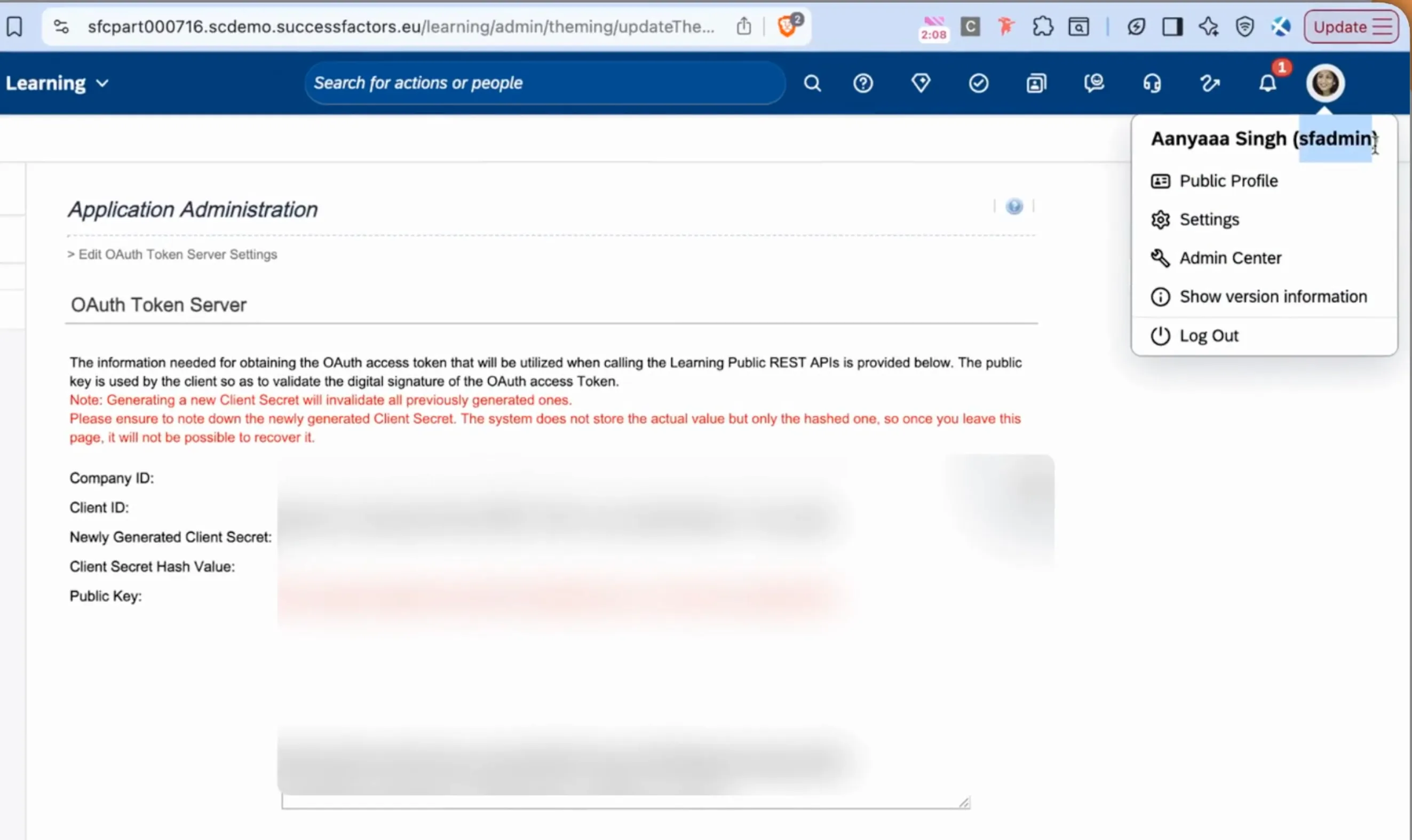
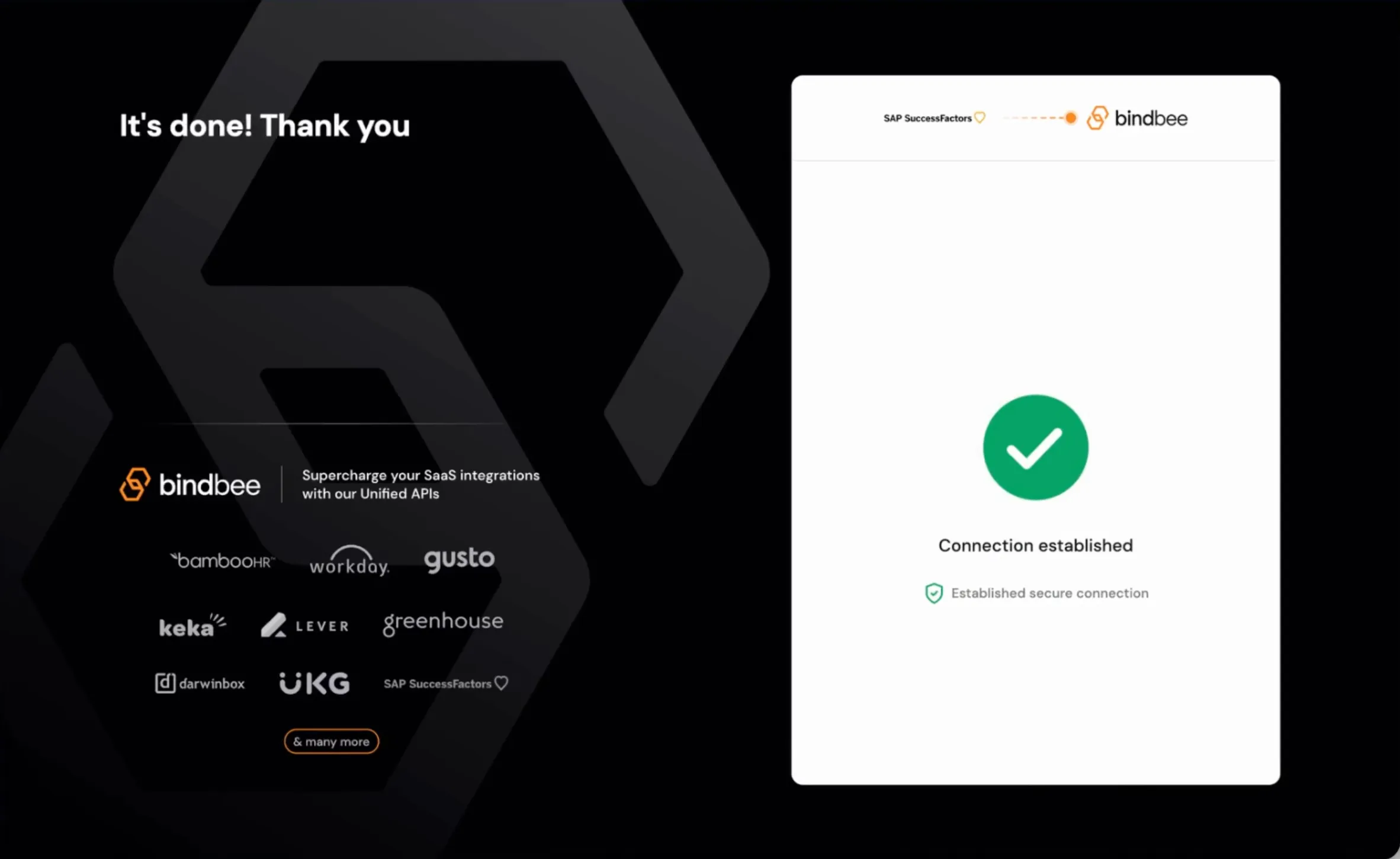
Step 10: Once you click Connect, the connection will be established successfully.
If you encounter any issues or have any questions during the process, please feel free to contact us at [email protected]. We're here to ensure a seamless setup experience.