JazzHR
4 min
Prerequisites : You need to have Admin access in order to create JazzHR API Key.
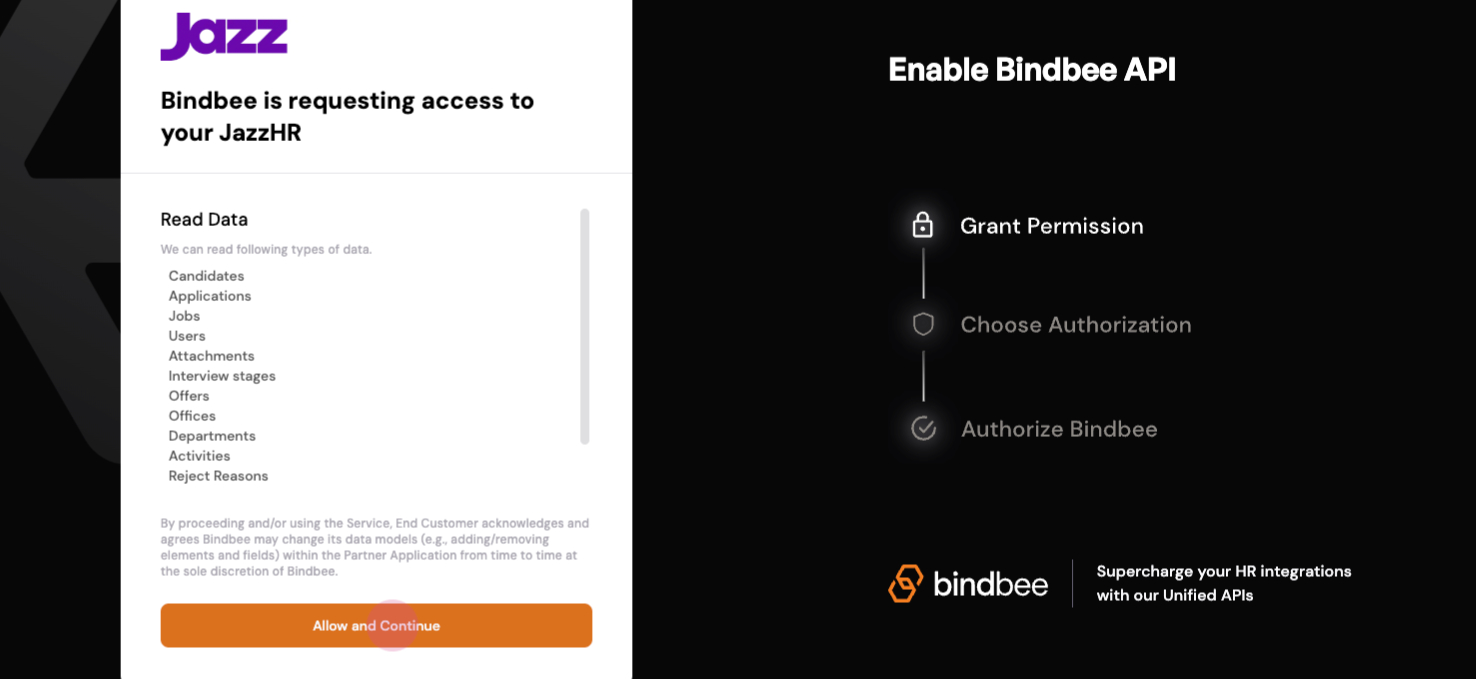
Step 1: Open the provided magic link. A linking page will open.
Step 2: Click on Allow to proceed.
Step 3: When prompted for a JazzHR API key, navigate to the JazzHR website.
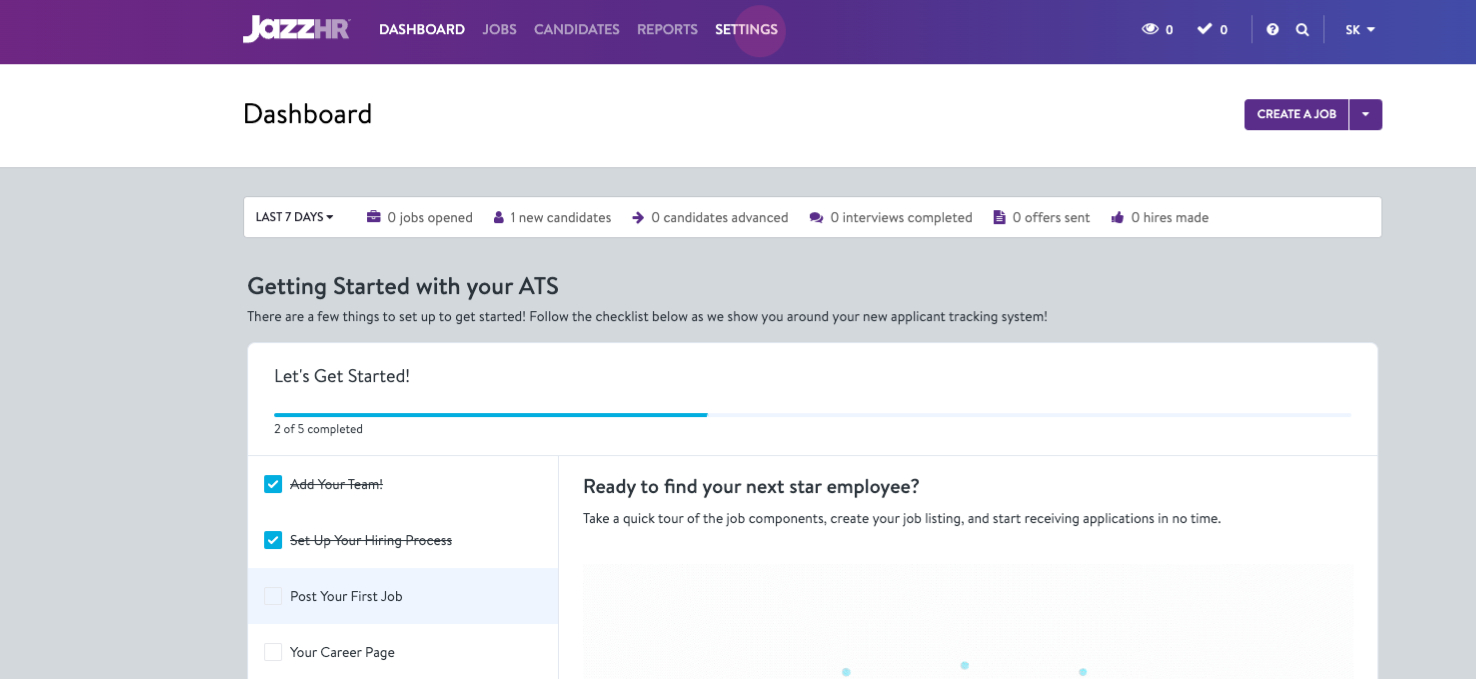
Step 4: Head over to Settings.
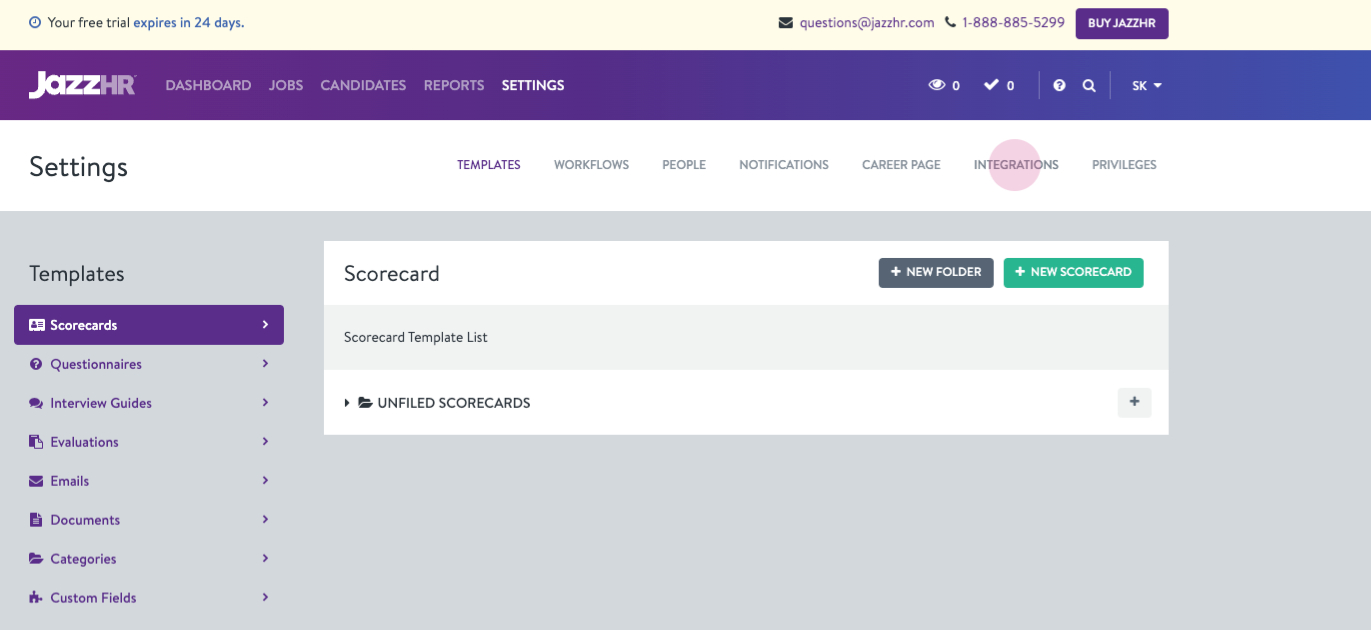
Step 5: Click on the Integrations tab.
Step 6: Generate a new API token by clicking on Generate New API Key and if an API Key is not present, else copy the already existing API key.
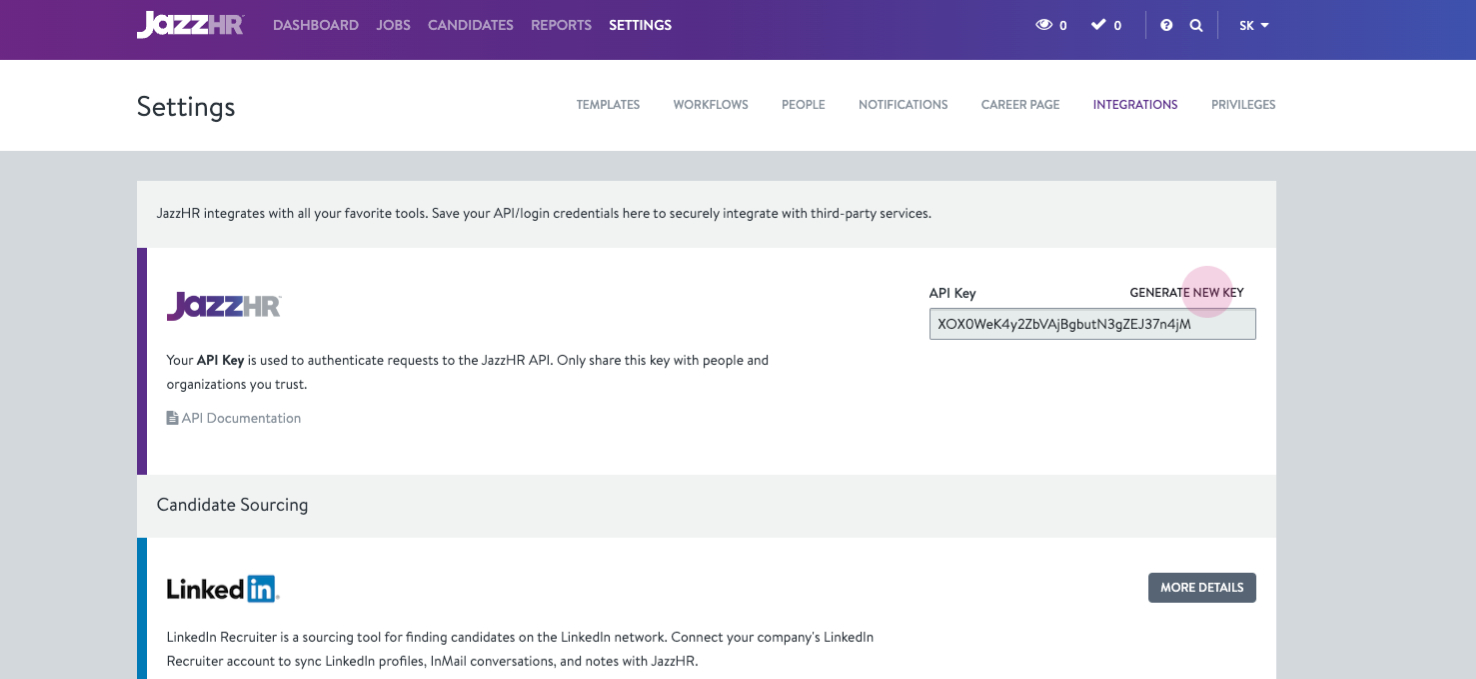
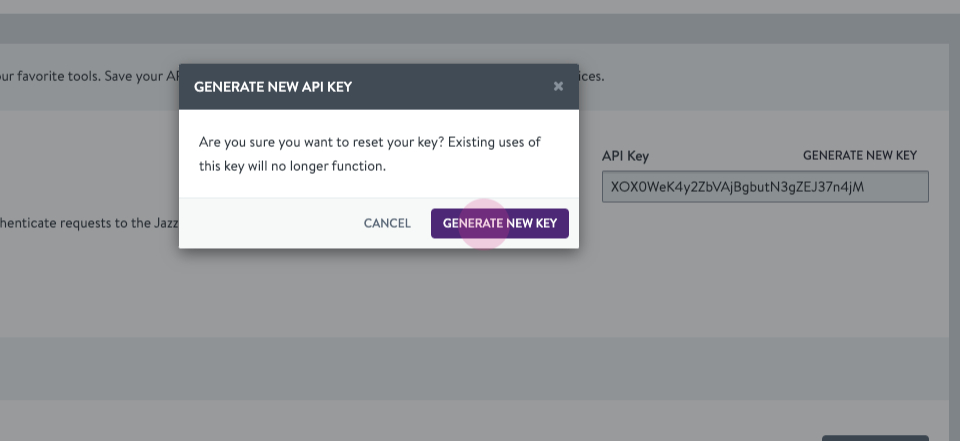
Step 7: Click on Generate New Key to proceed.
Step 8: Paste the copied API key in the API Key section in the magic link popup.
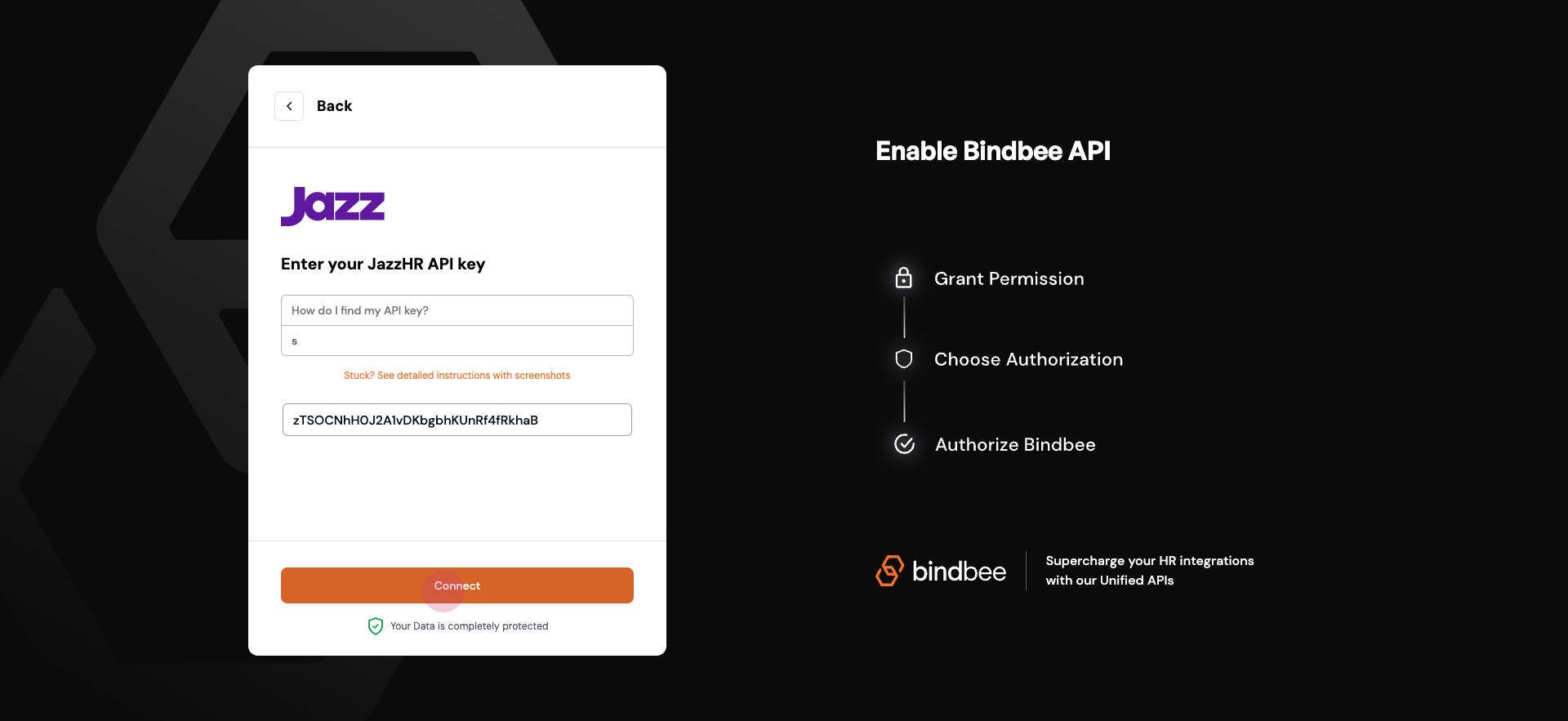
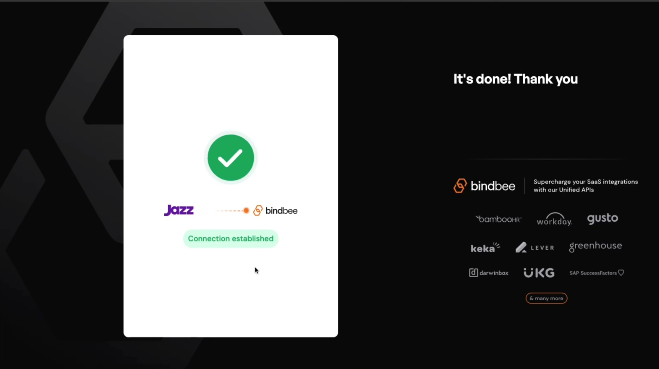
Step 9: Establish the connection by clicking on Connect. This action will successfully create a connection.