Paycom – How do I connect via API?
Updated 2 weeks ago
This guide outlines the process of creating a connector with Paycom using the provided Magic Link.
Step 1: Reach out to your Paycom account representative. Let them know you'd like to explore API integration capabilities. They'll ask about your integration needs – you can say that I want a vendor to access my employee data from Paycom
Your Paycom representative might request you to sign an NDA. They'll schedule a discovery call with their automation team. You'll review and sign a proposal and MSA to add API access to your Paycom suite
Step 2: Once approved, Paycom will provide you with:
API SID (System ID)
API Token
API Documentation
Detailed guide on this process can be found here: Paycom Client API Checklist
Step 3: You need to allowlist Bindbee's IP Addresses in Paycom since Paycom only allows specific IP addresses for their API service. Contact your Paycom representative and make sure they allow following IP addresses:
For US:
13.59.40.132
3.136.219.255
18.216.194.37
For EU:
3.123.180.235
3.122.139.245
18.216.194.37
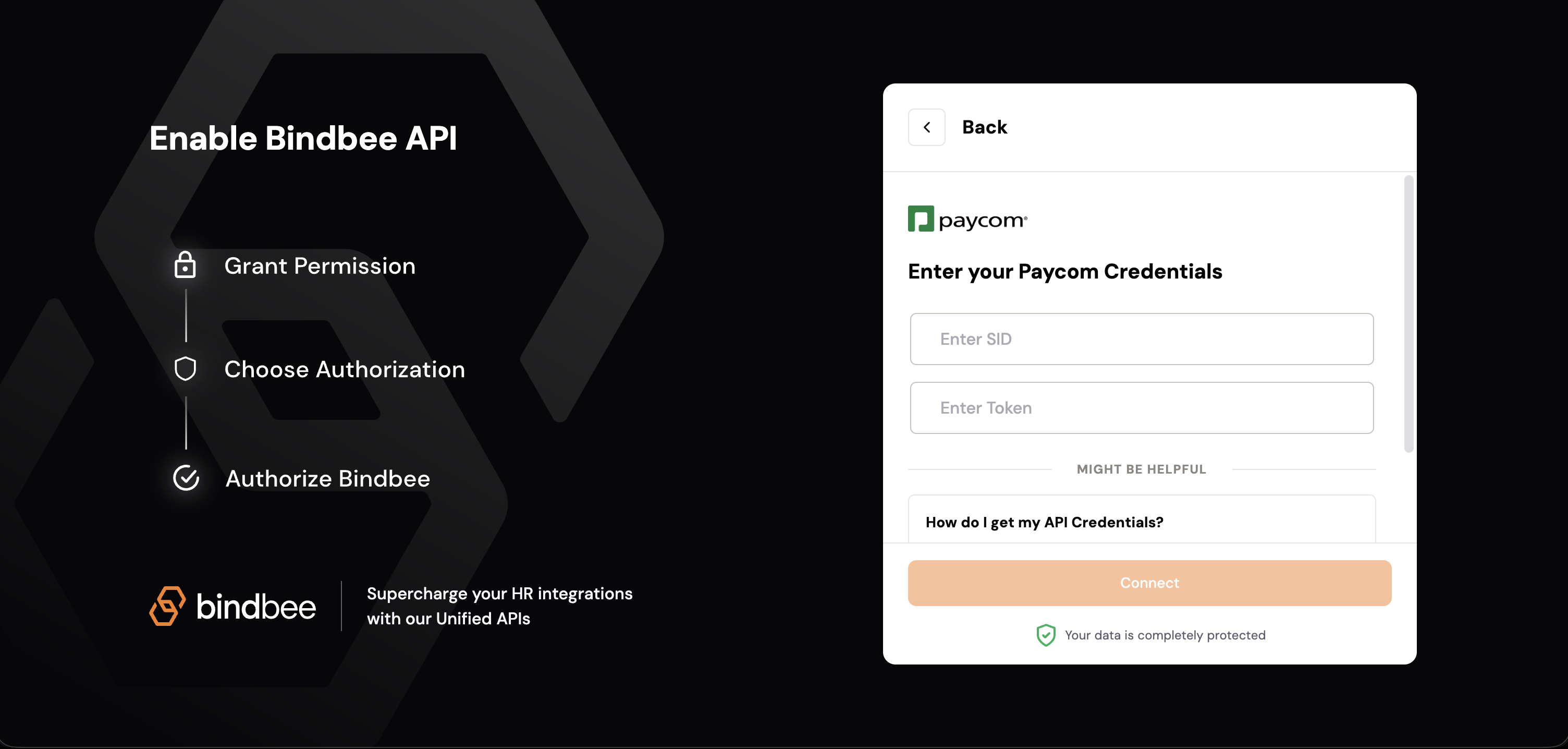
Step 4: Open Magic link and enter your Paycom SID and Token provided by your Paycom representative
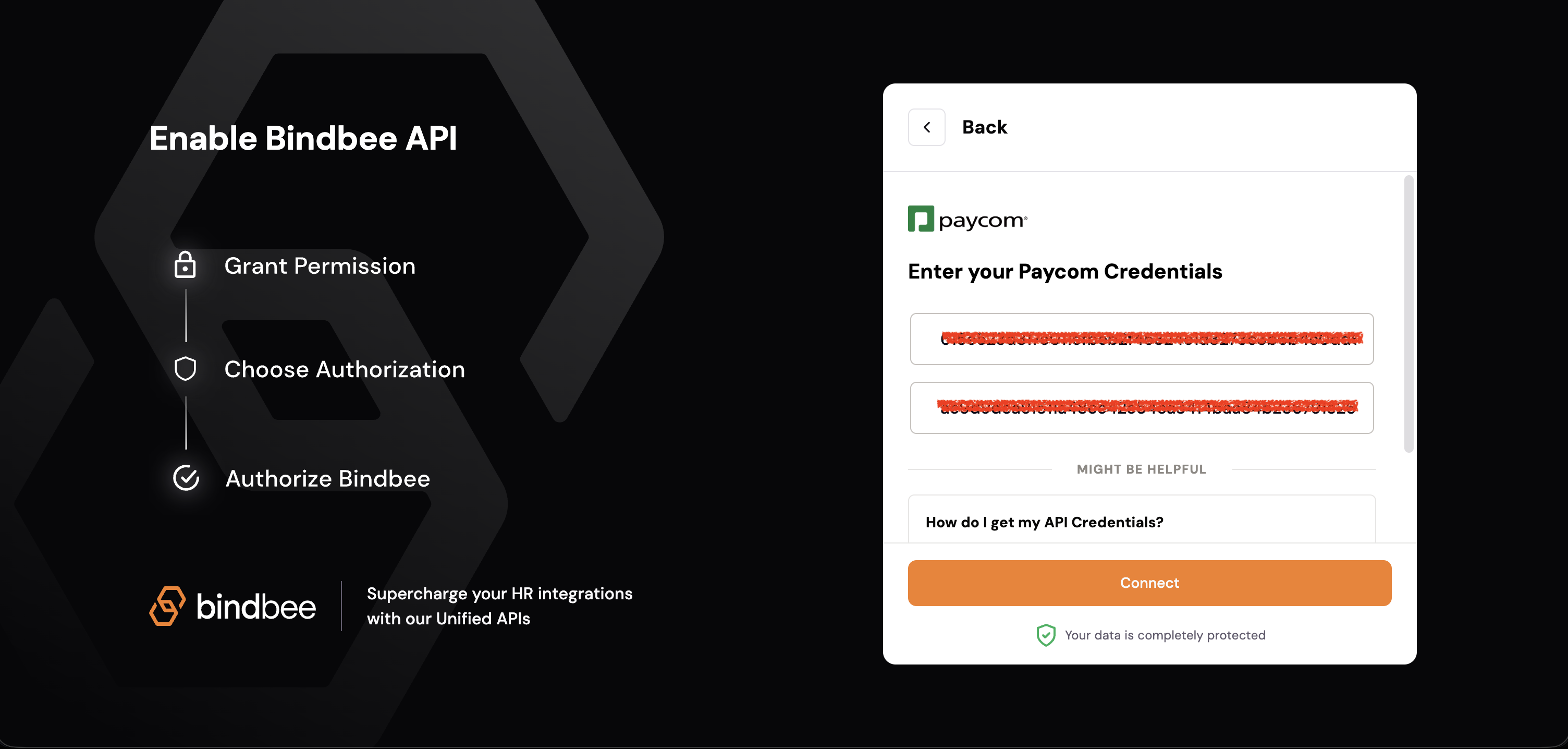
Step 5: Click on Connect and you will be connected successfully to Paycom