

Help Center
Home Pricing Documentation
Support Setup Guides
HomePricingDocumentation More
Support Setup Guides More
Getting Started
How does connecting your HR system work? Should I use a service account or my own login? How do I connect by uploading files over SFTP?
Integrations
HRIS
7shifts
ADP Workforce Now
BambooHR
BreatheHR
CharlieHR
Connecteam
Dayforce HCM
Deel
Deputy
Factorial
Google Workspace
Google Workspace – How do I connect my account?
HiBob
HR Partner
HRWorks
Humaans
Leapsome
Microsoft Entra ID
Okta
Oracle HCM
Paychex
Paycom
Paycor
Paylocity
Personio
Plansource
PrismHR
QuickBooks
Rippling
Sage HR
SAP SuccessFactors
Toast
TriNet HR
UKG Pro
UKG Ready
Workday
Xero
Zoho People
Warp
Uzio
ATS
Troubleshooting connection
What do I do if my connection link has expired?
Google Workspace

Google Workspace – How do I connect my account?

Updated 2 months ago

This guide walks you through the process of connecting your Google Workspace account to Bindbee.

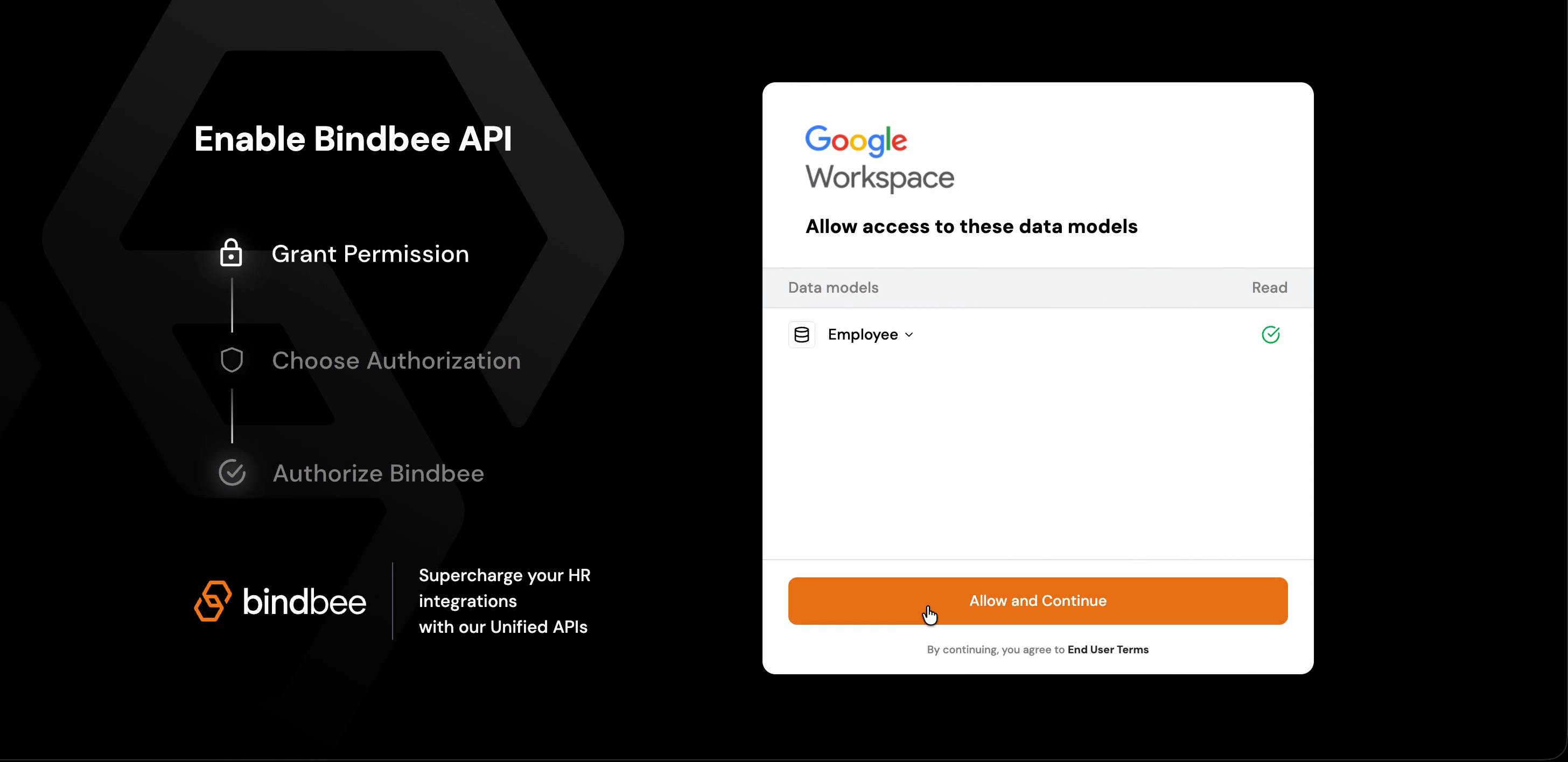
Step 1: Open the magic link and click "Allow and Continue" to proceed.
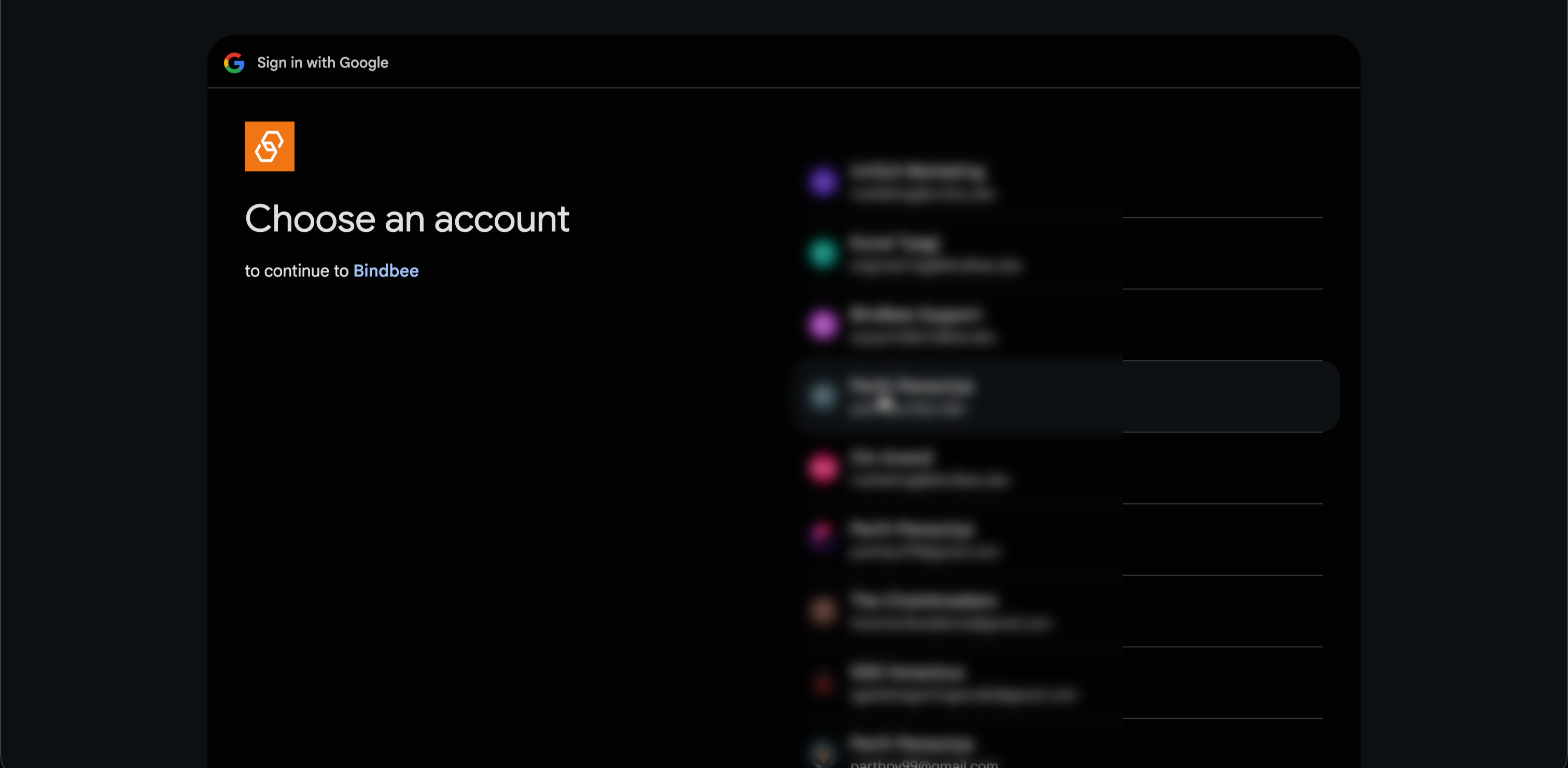
Step 2: When prompted, sign in to your Google Workspace admin account.
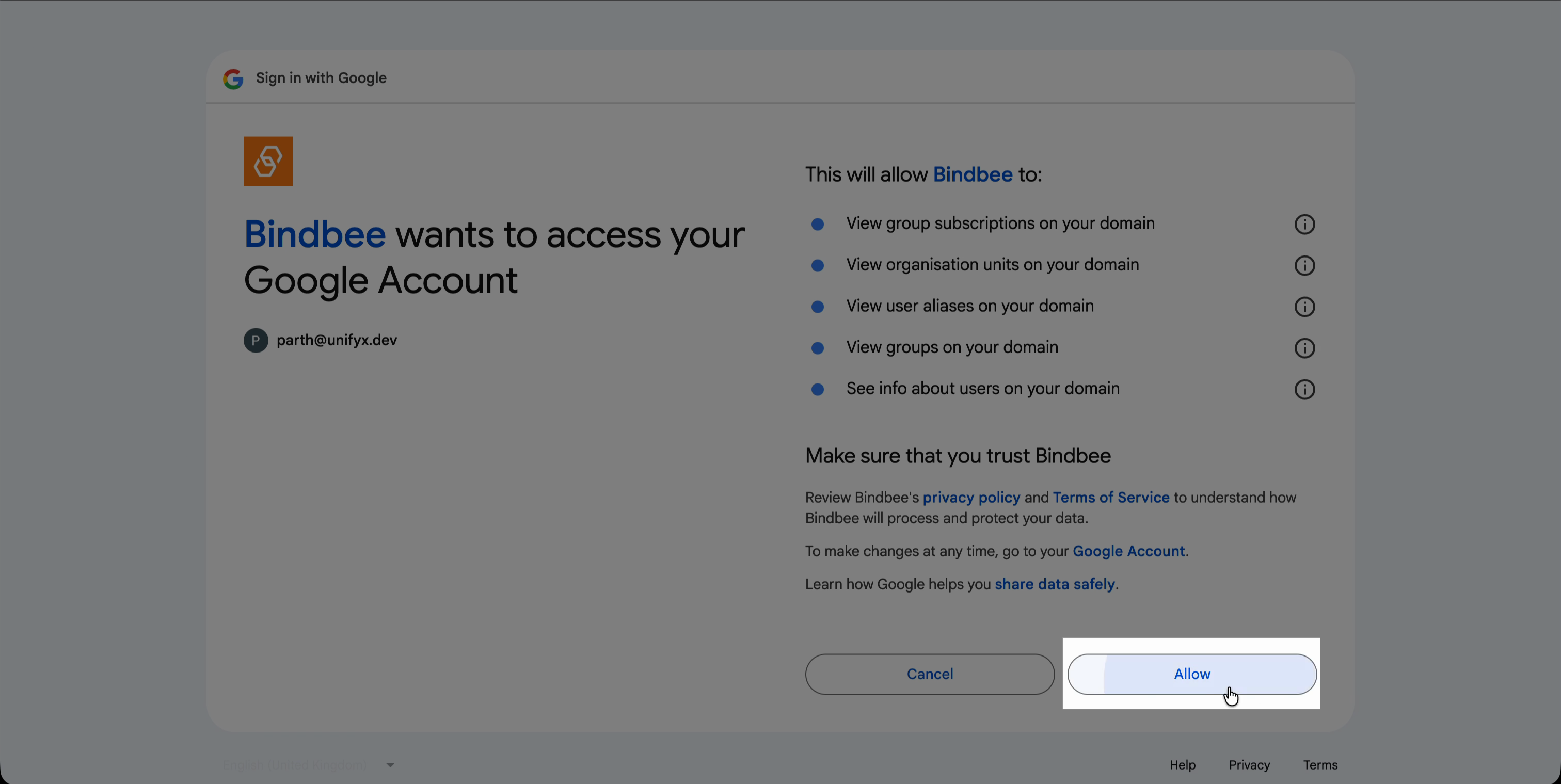
Step 3: Review the requested access permissions and click "Allow" to authorize Bindbee.
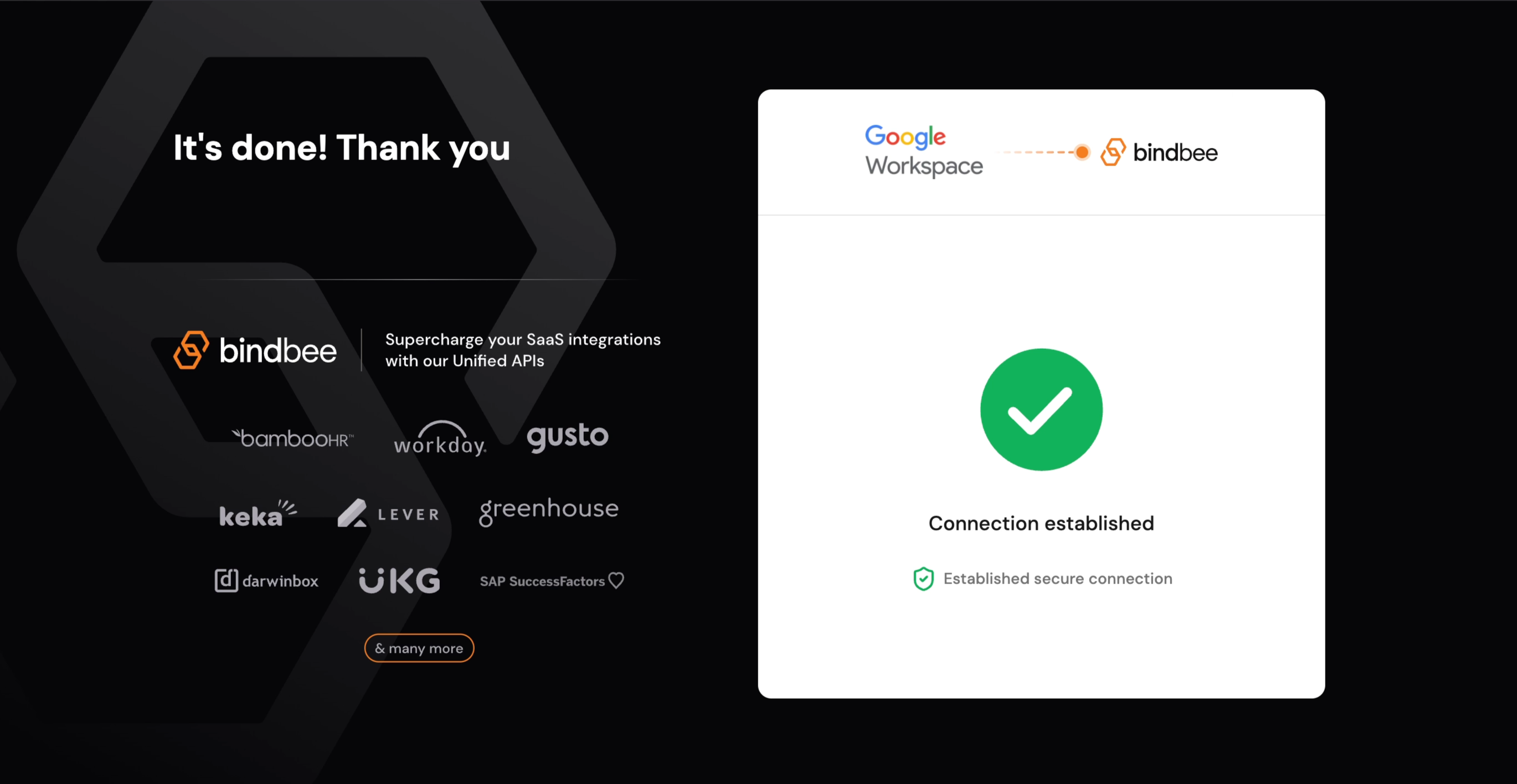
Congrats! You have successfully connected your Google Workspace admin account to Bindbee!

Was this helpful?
Factorial – How do I connect my account? HiBob – How do I connect my account?