Rippling (Legacy)
This guide explains how to create a rippling API key and establish a successful connection.
Prerequisites: Ensure you're an admin or have admin access to a Rippling account.
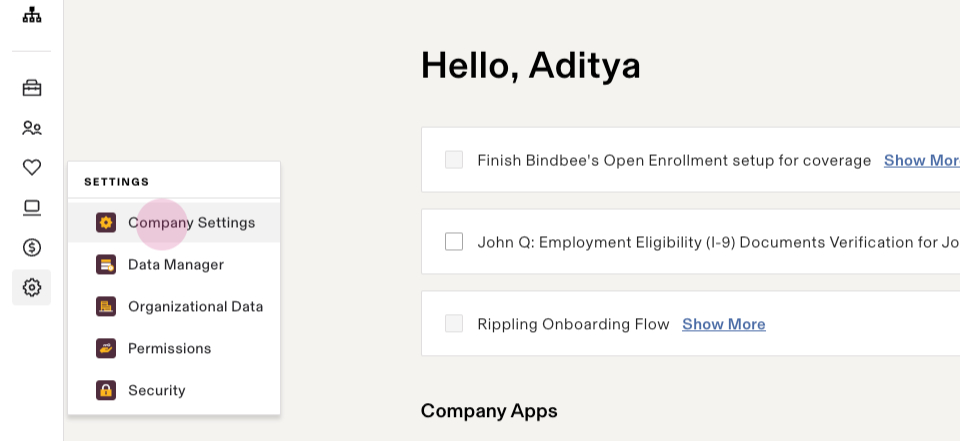
Step 1: Navigate to Settings and select the Company Settings option.
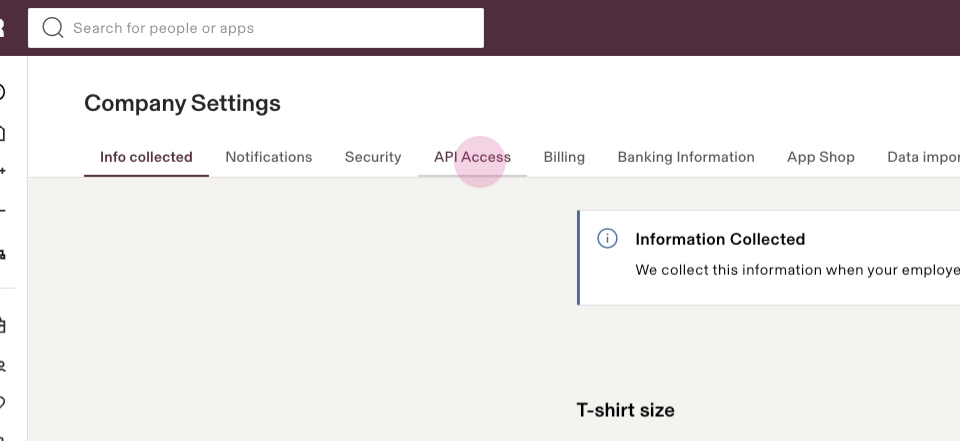
Step 2: In the Company Settings section, select the API Access section.
Step 3: Locate the option to create an API key.
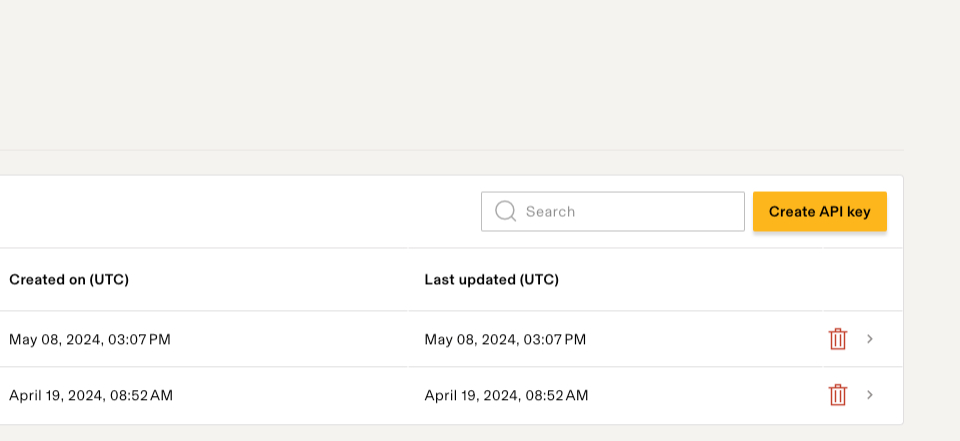
Step 4: Click on the Create API Key.
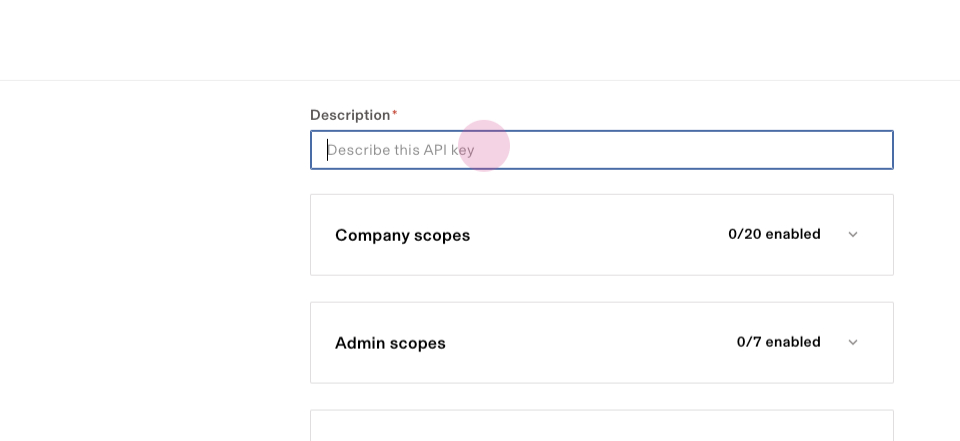
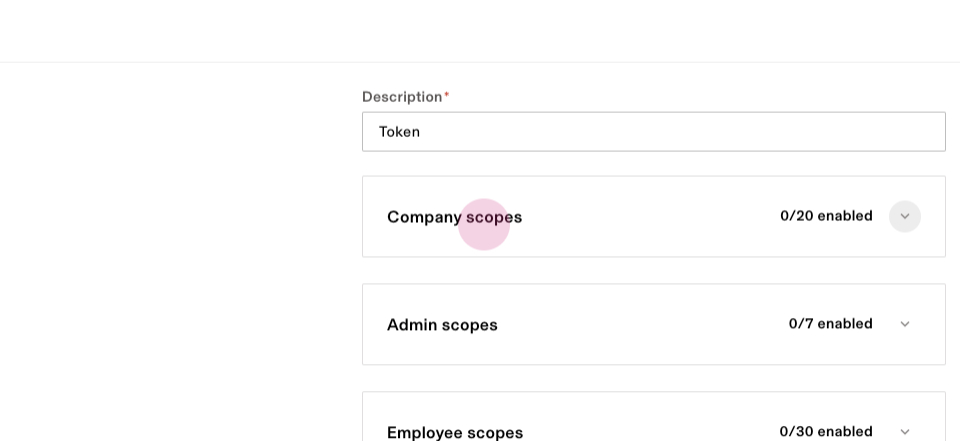
Step 5: Provide a description for this API key using any random string, and select the following scopes.
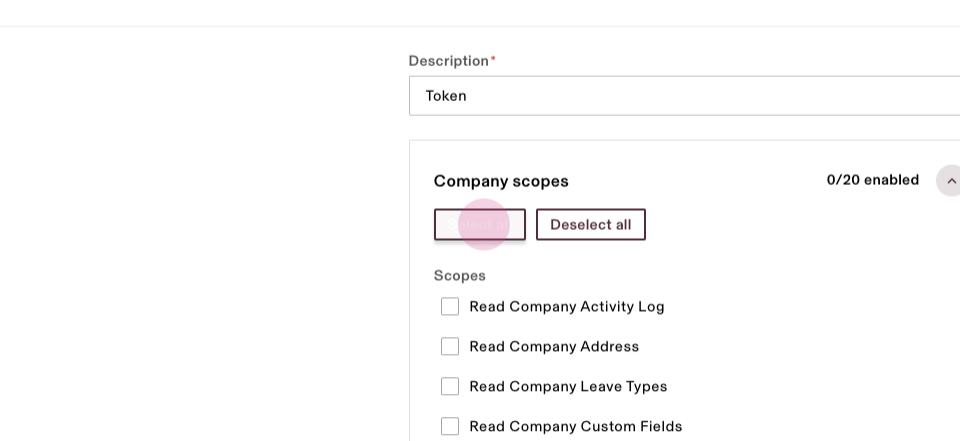
Under Company Scopes : select all scopes
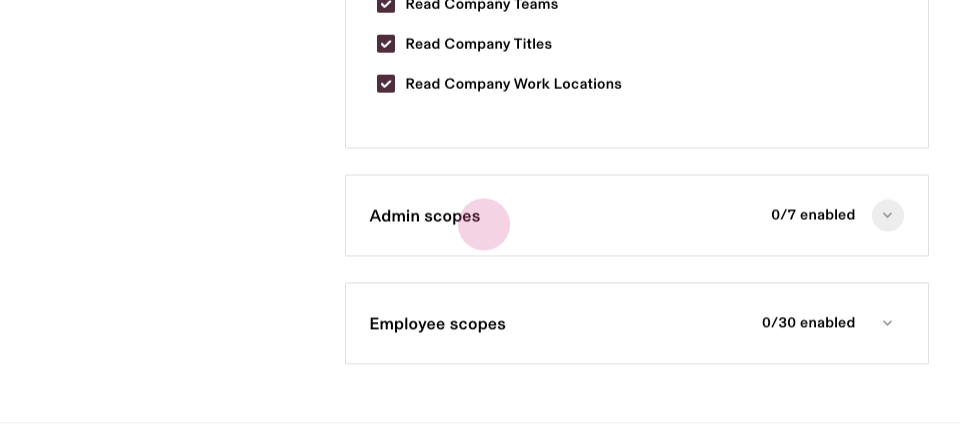
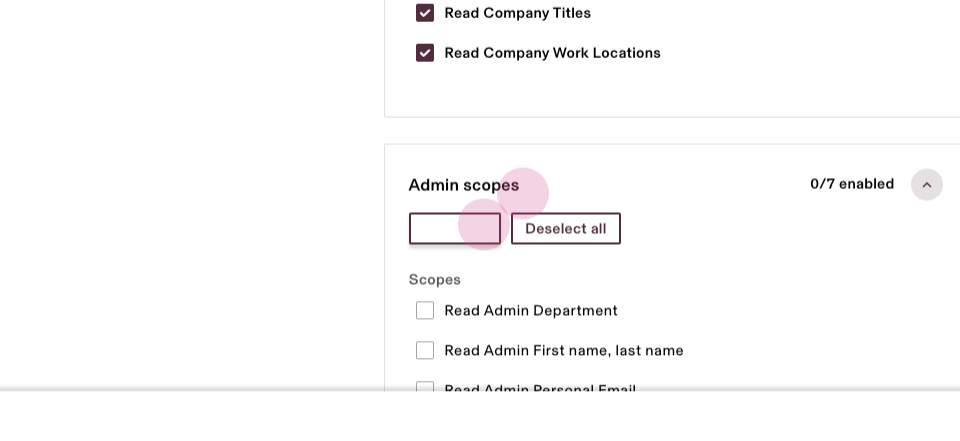
Under Admin Scopes: select all scopes
Under Employee Scopes: select all scopes.
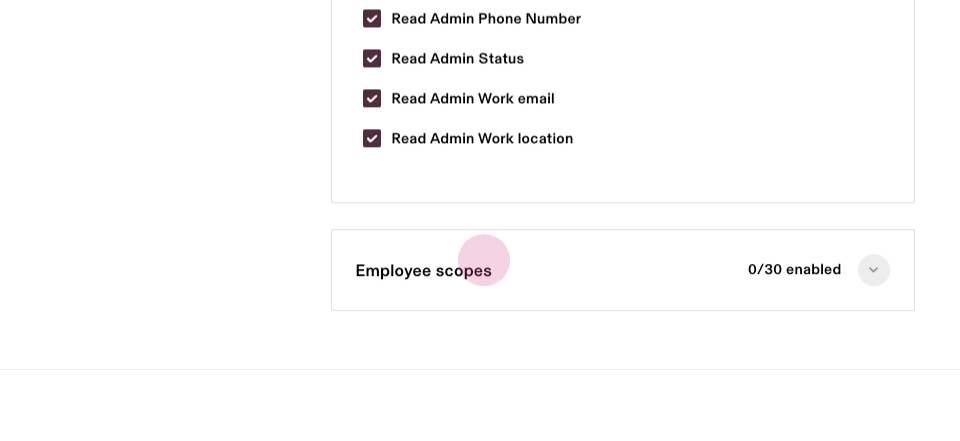
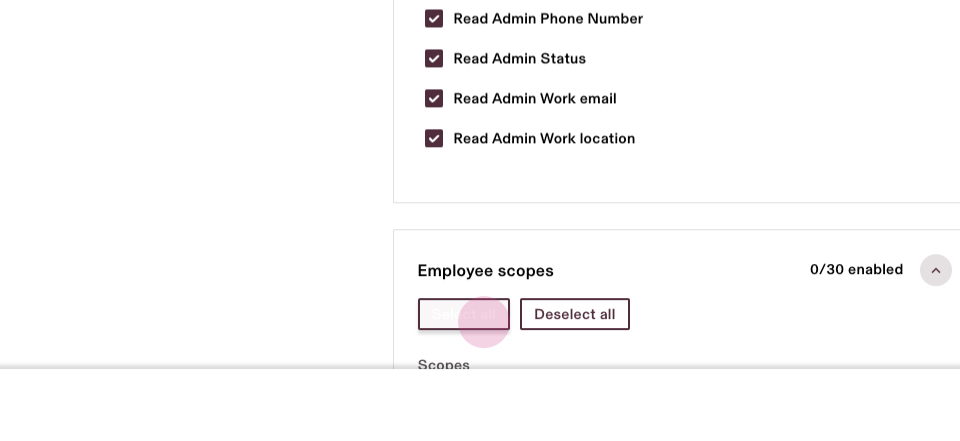
Step 6: After selecting the scopes, click on the Create button.

Step 7: After successfully generating an API key, copy it and save the API key in your local machine for future use.
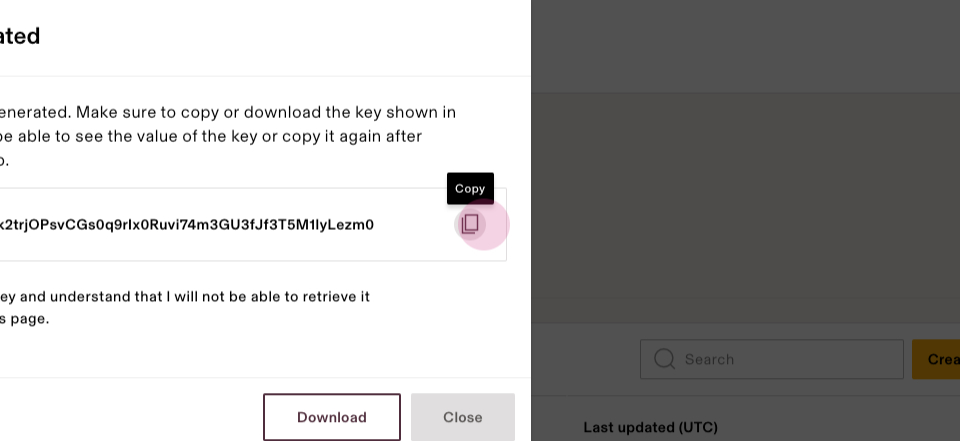
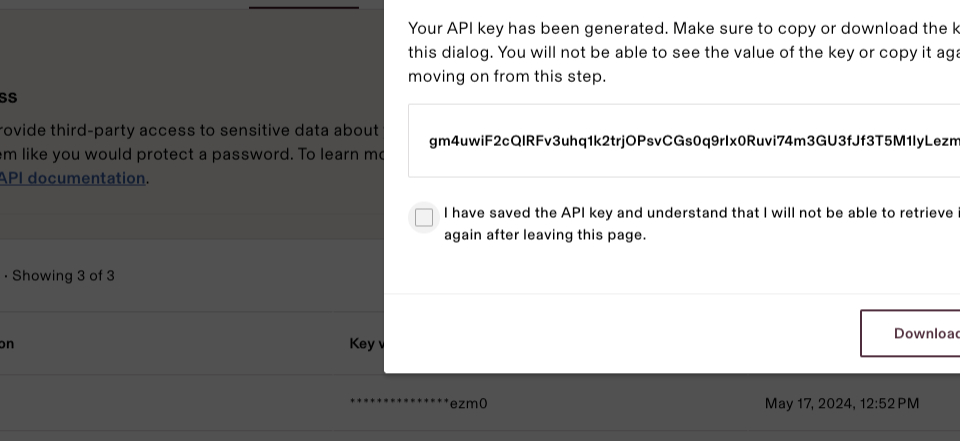
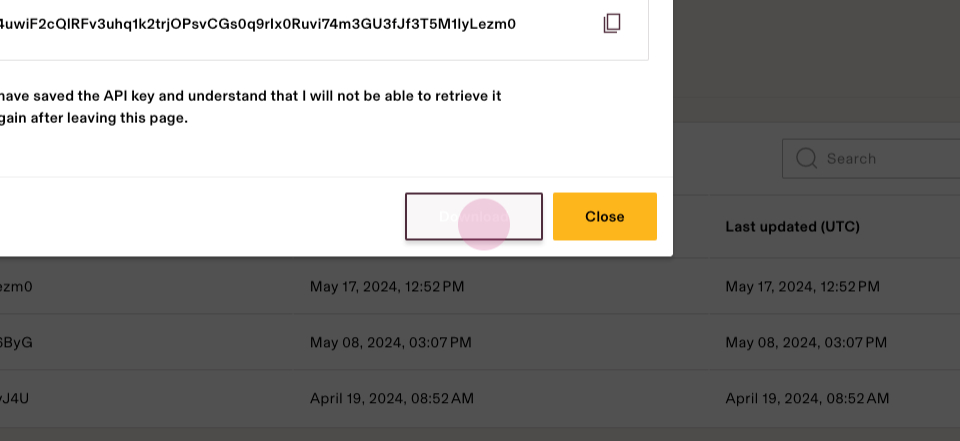
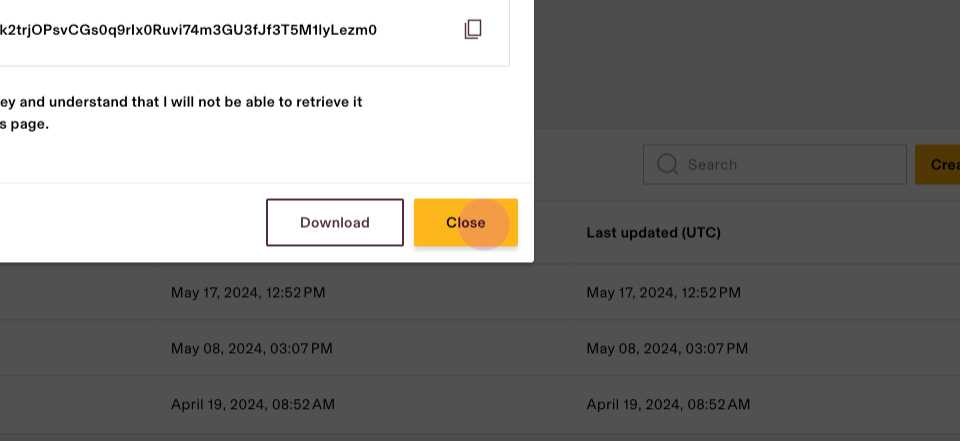
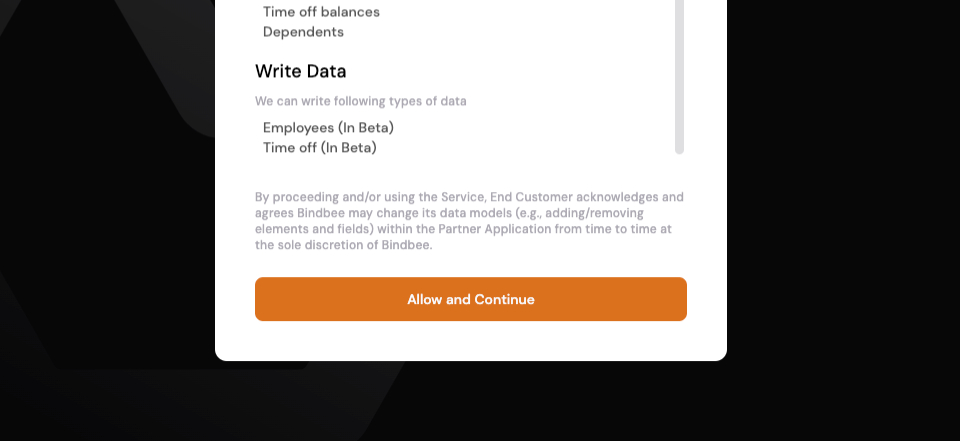
Step 8: Close this section and open the magic link provided. Click on Allow and Continue to proceed.
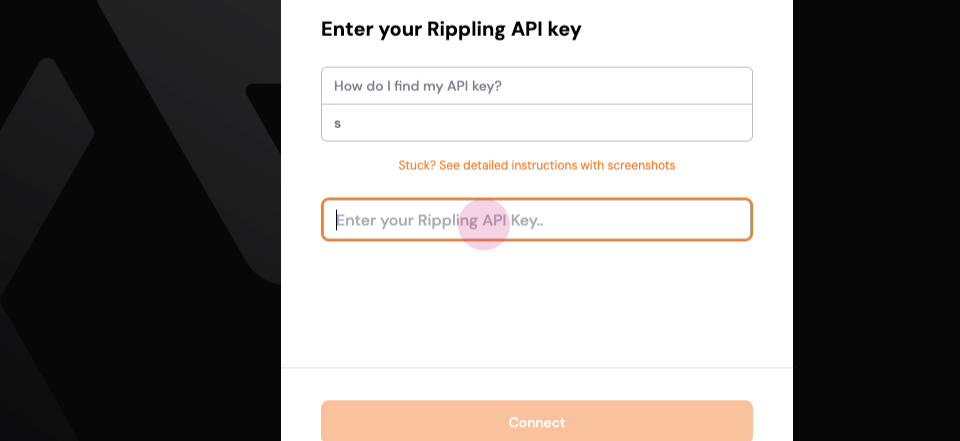
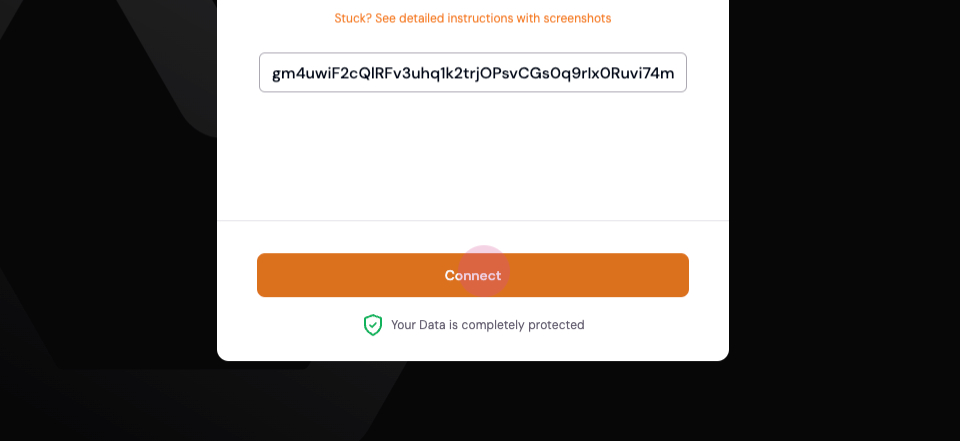
Step 10: Paste the generated API key in Step 7 in the given prompt. Then Click on connect.
Upon completion, a successful connection should be established.