How to Authenticate
This guide provides a step-by-step process on how to establish a connection with Bamboo HR.
Steps to Connect with BambooHR
Step 1: Open the Magic Link to start the integration process.
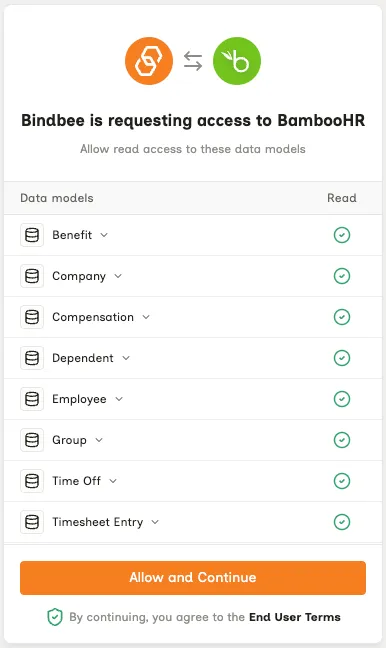
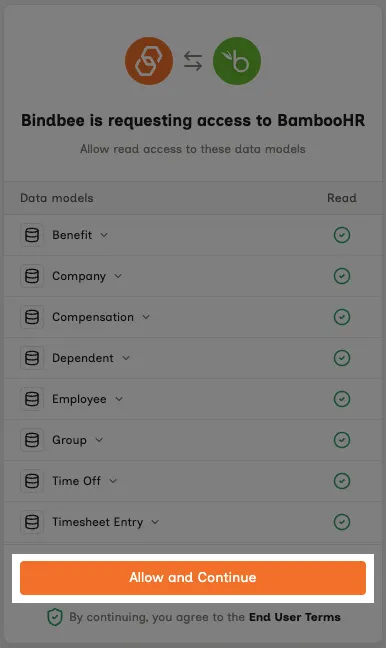
Step 2: Click Allow and Continue to proceed.
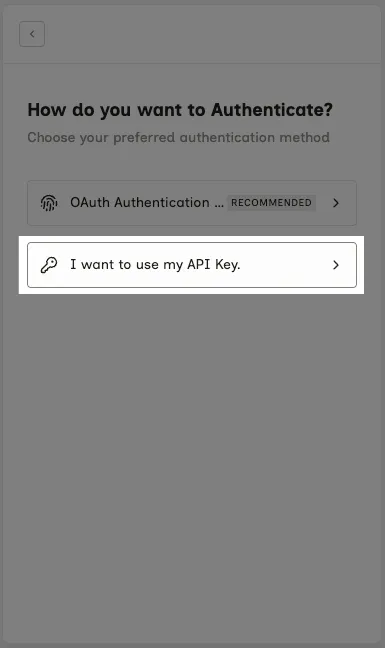
Connect Using the API Key Method
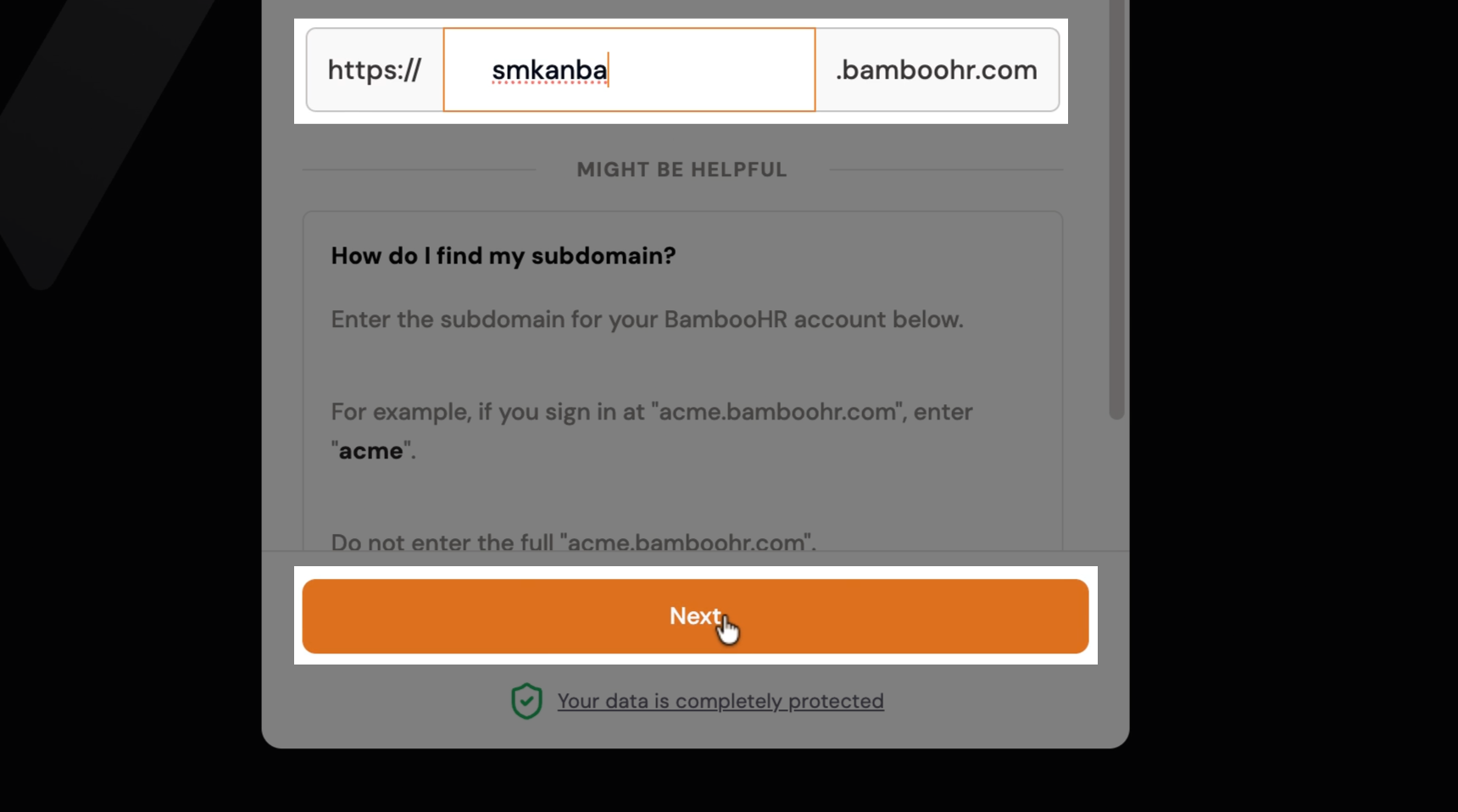
Step 1: Enter your BambooHR subdomain: in your BambooHR dashboard, copy the part of the URL before “.bamboohr.com.”
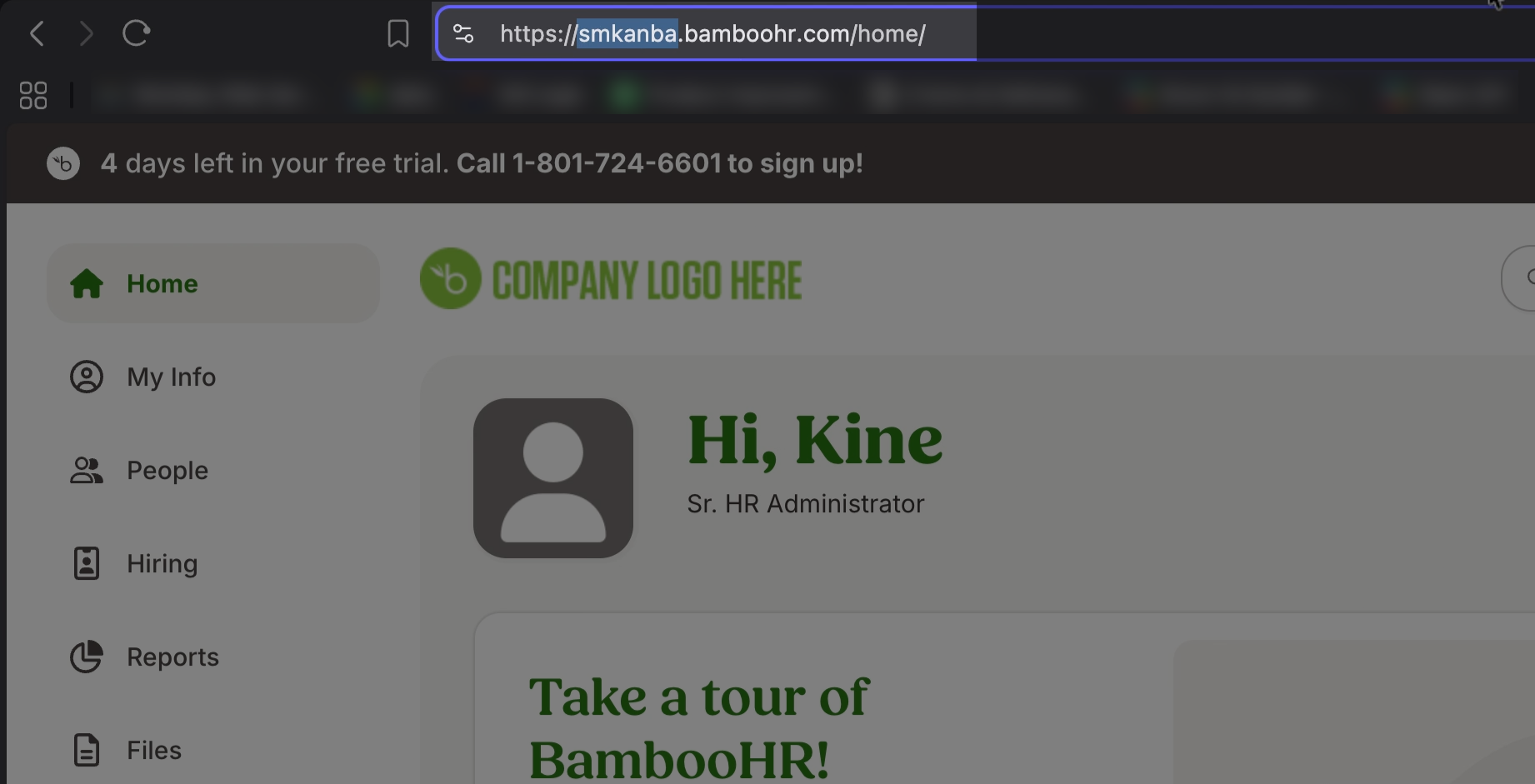
Step 2: Copy this and paste it into the connection form. Click Next to continue.
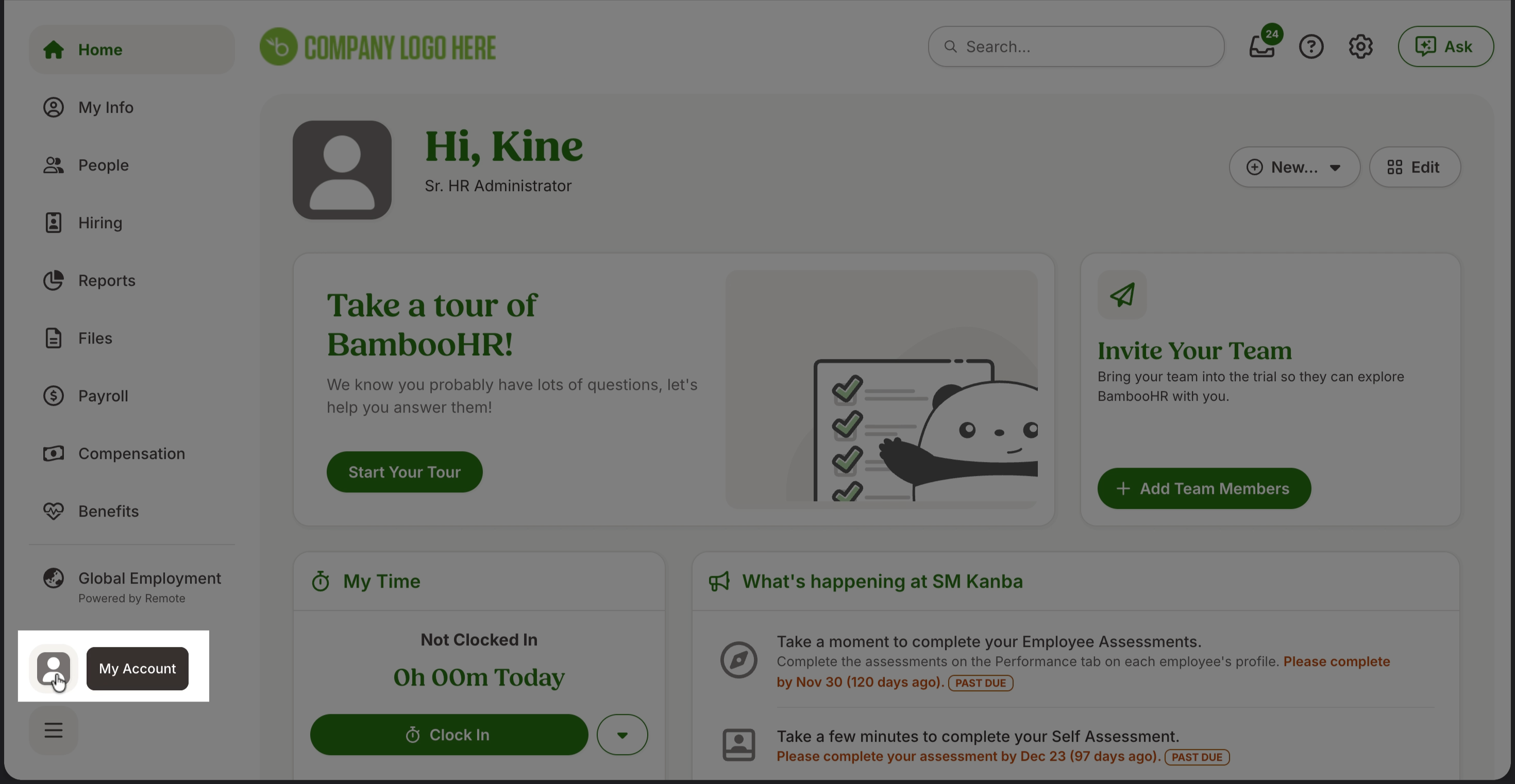
Step 3: To retrieve your API key, go to your BambooHR dashboard. Click My Account.
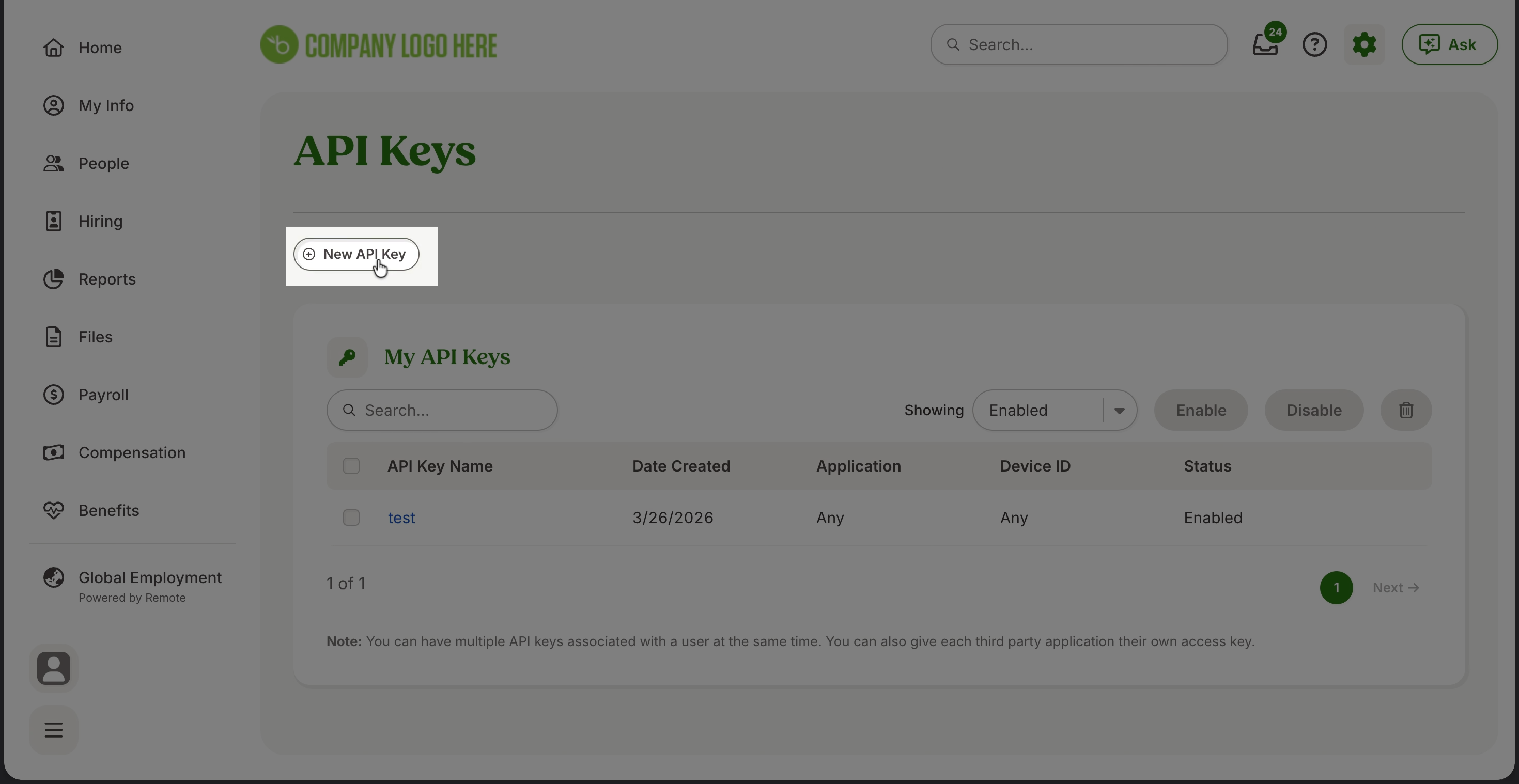
Step 4: Go to API Keys and create a new key.
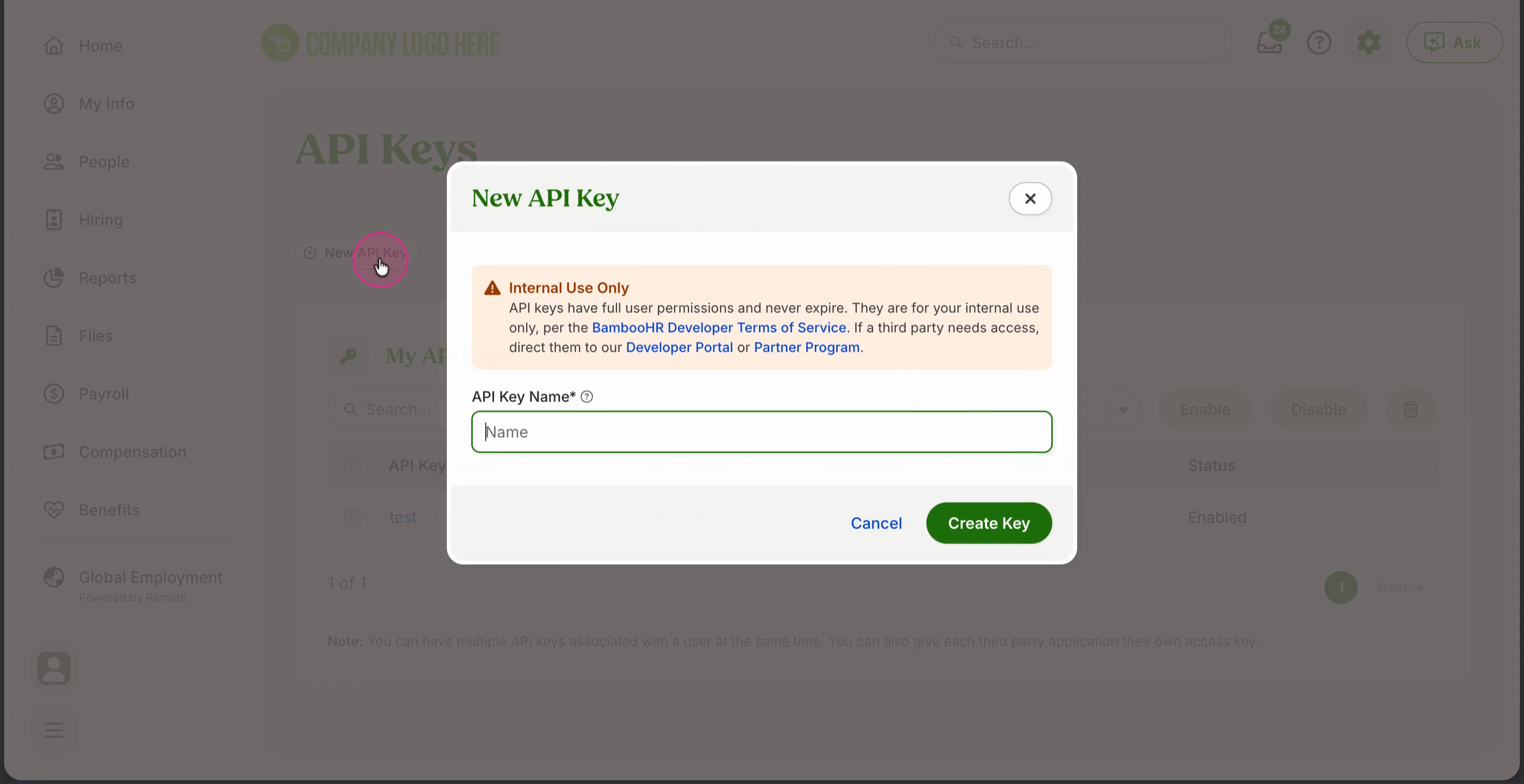
Step 5: Copy the new API key.
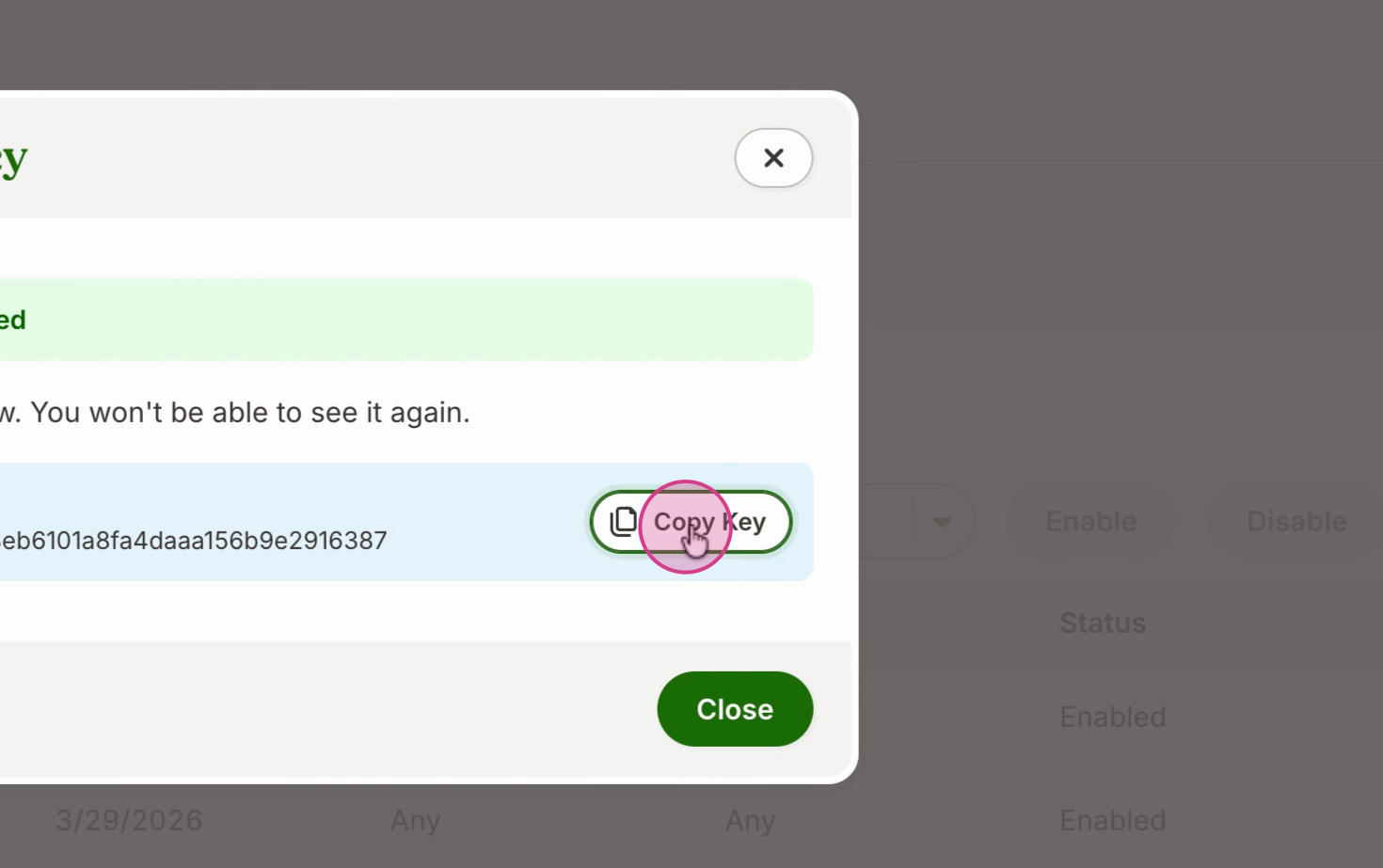
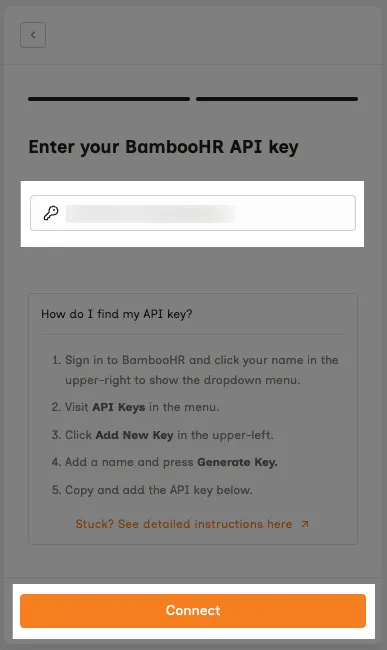
Step 6: Enter your API key and click Connect.
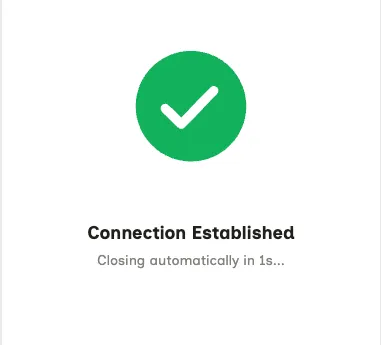
Your connection has been successfully established!
Connect Using the OAuth Flow
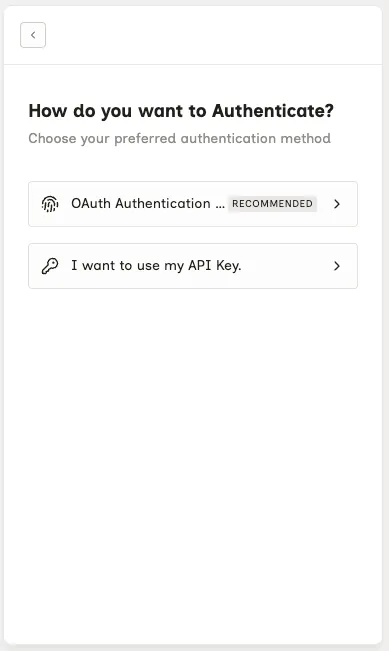
Step 1: Enter your BambooHR subdomain: in your BambooHR dashboard, copy the part of the URL before “.bamboohr.com.”
Step 2: Copy this and paste it into the connection form. Click Next to continue.
Step 3: You’ll be redirected to BambooHR’s authentication page. Review the scopes and permissions.
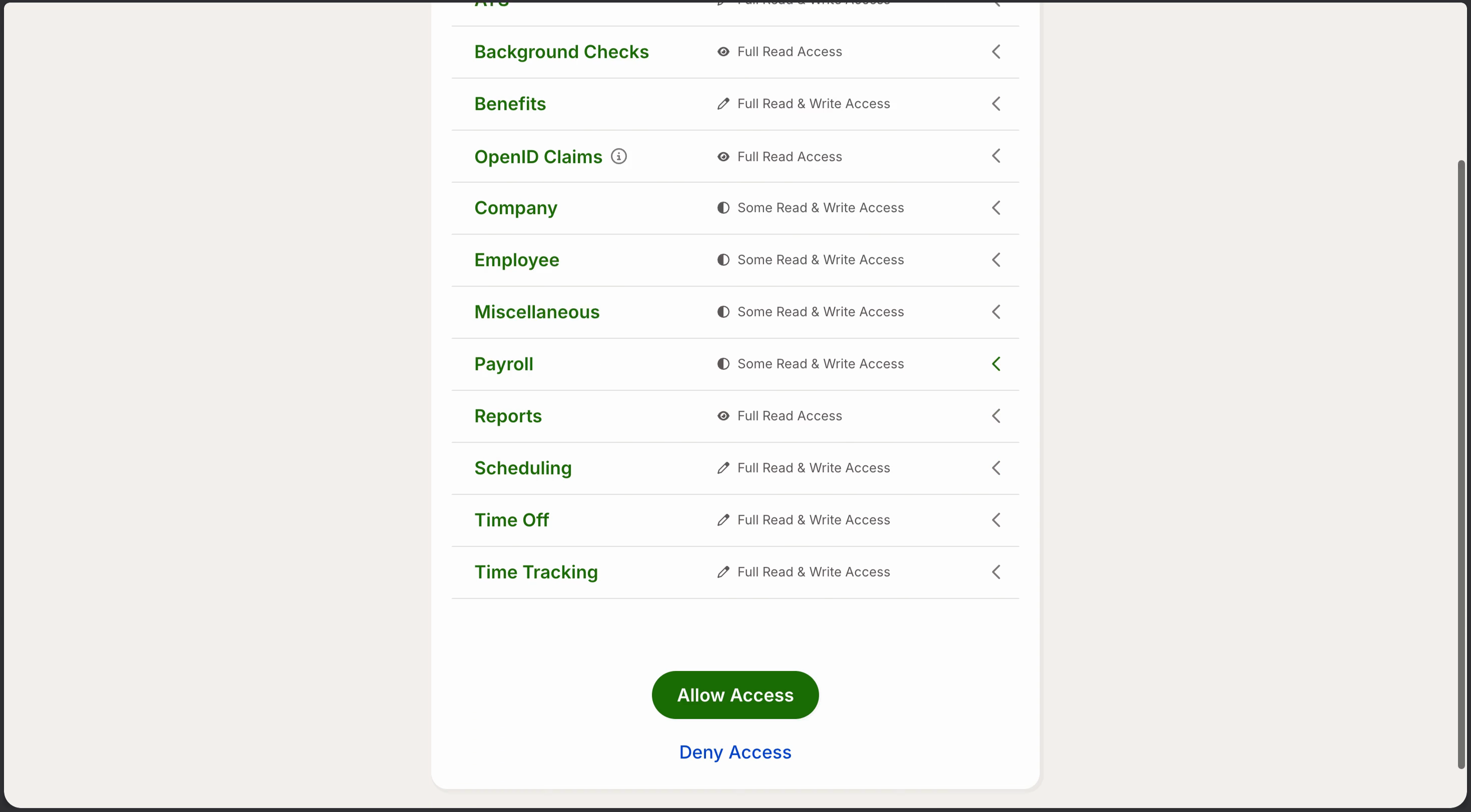
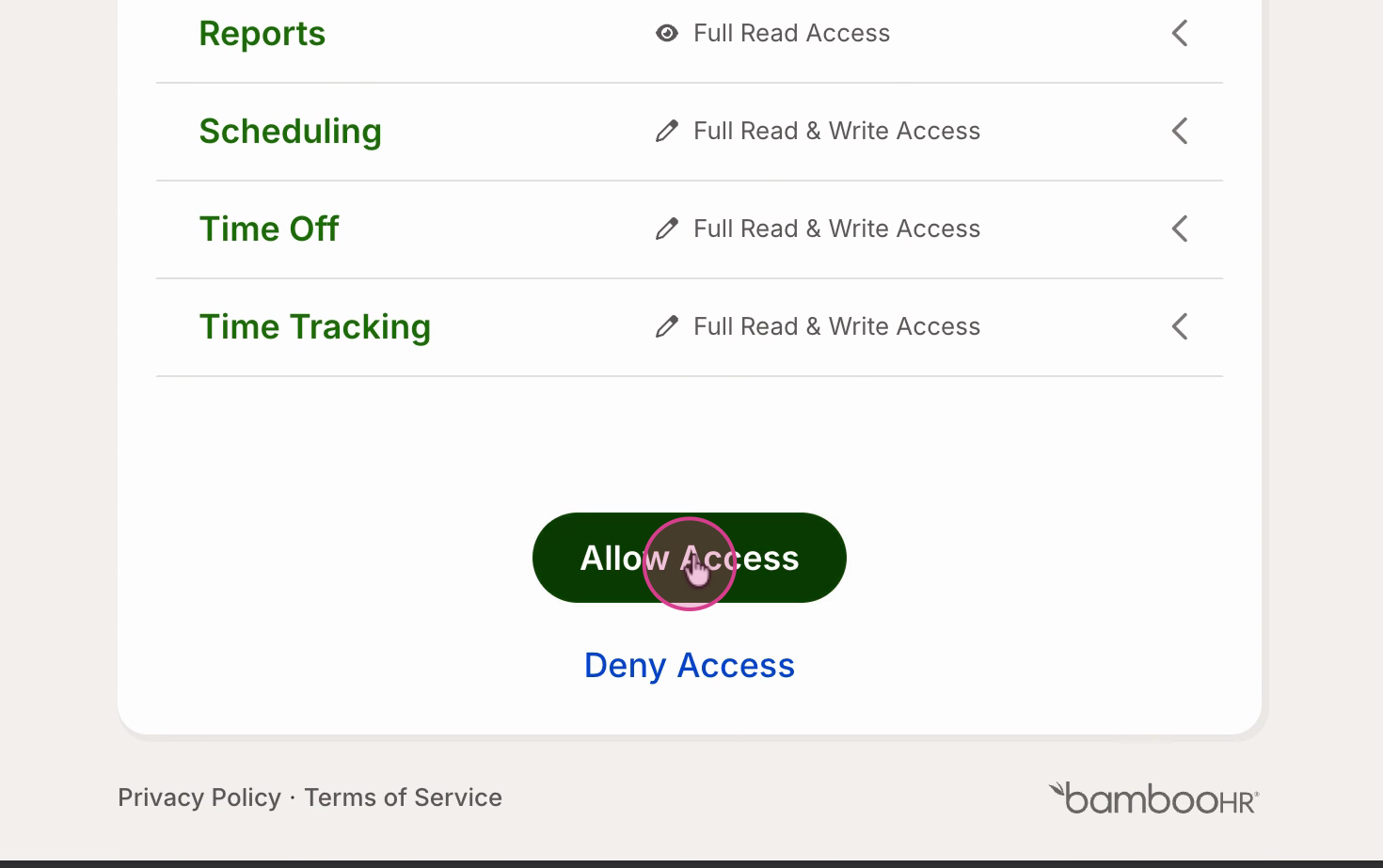
Step 4: Click Allow Access.
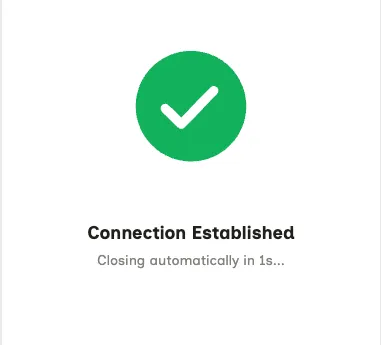
The connection is successfully established!